Garage conversion permit drawings
Turning a garage into a bedroom, an office or a living unit usually needs a building permit, because the room's use changes: new windows, a wall where the garage door was, insulation, and sometimes plumbing.
The permit usually asks for the garage as it is and as it will be. Draw it once from the two-car garage template, save a copy, and change the copy to your conversion.
Drawings usually requested
What building departments commonly ask for with this kind of project. Each links to how to make it in DrawPlans.
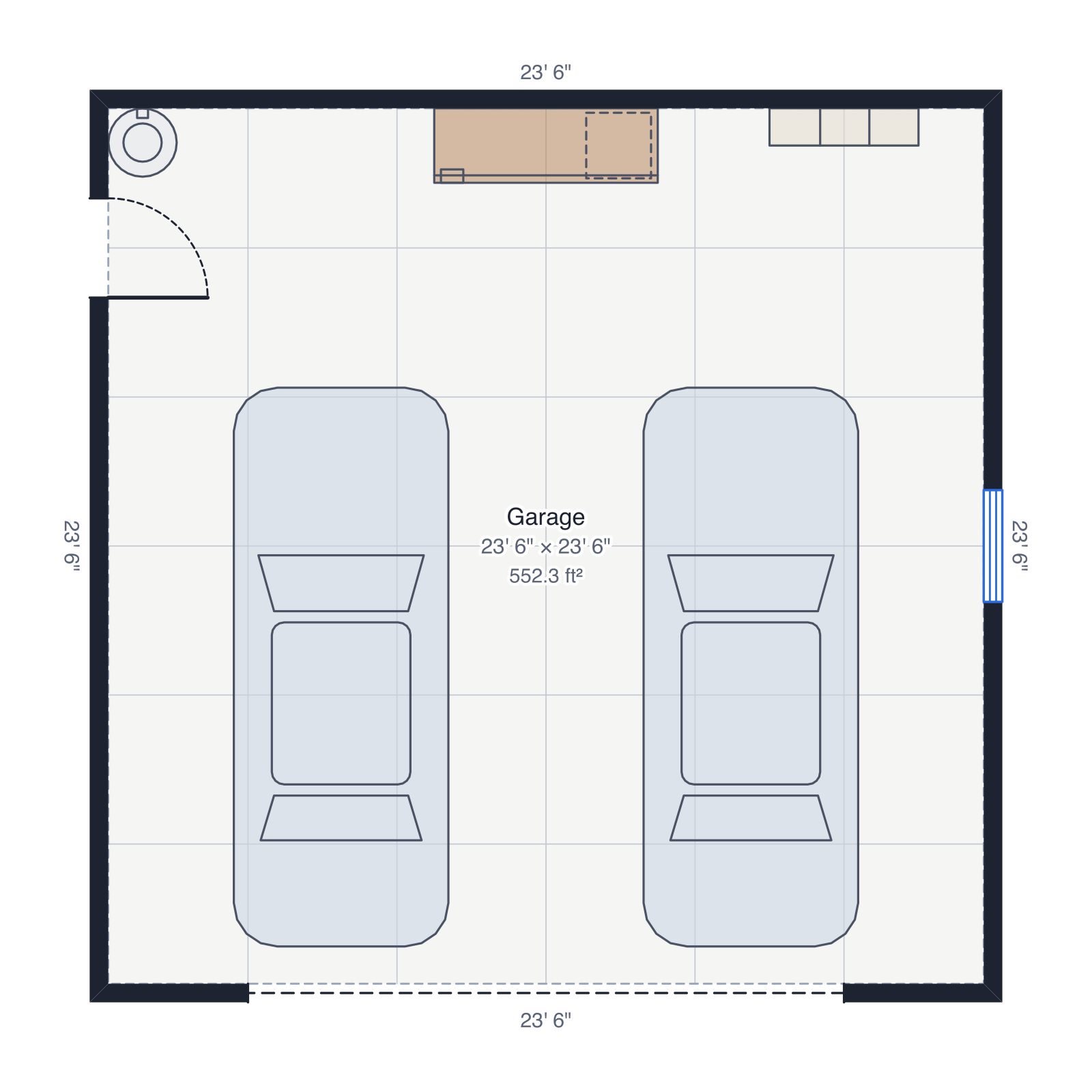
- Existing and proposed floor plansThe space as it is today and as it will be, as two plans (save a copy of the plan before you change it).
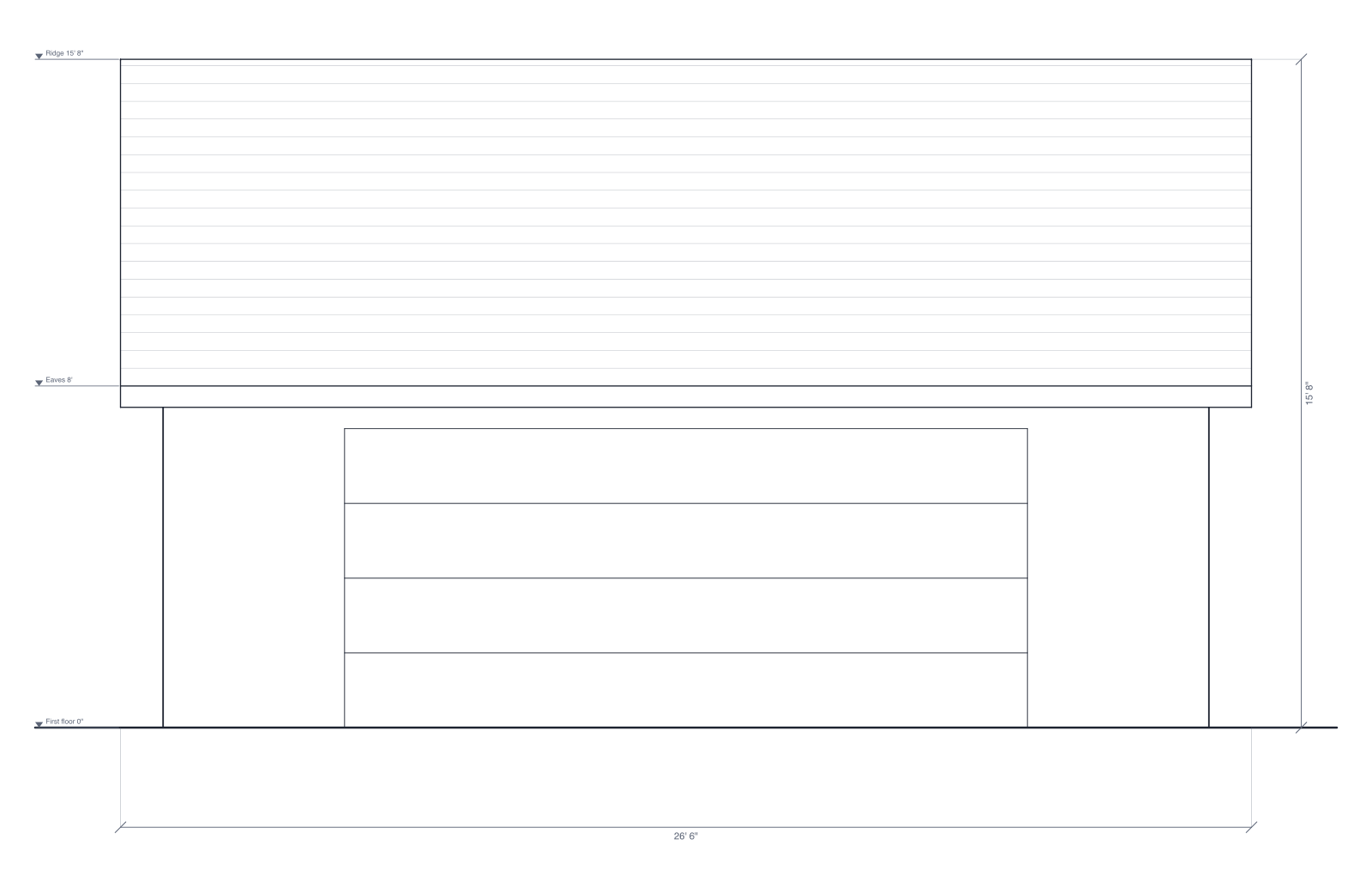
- Exterior elevationsEach side of the building with its doors, windows, roof and heights.
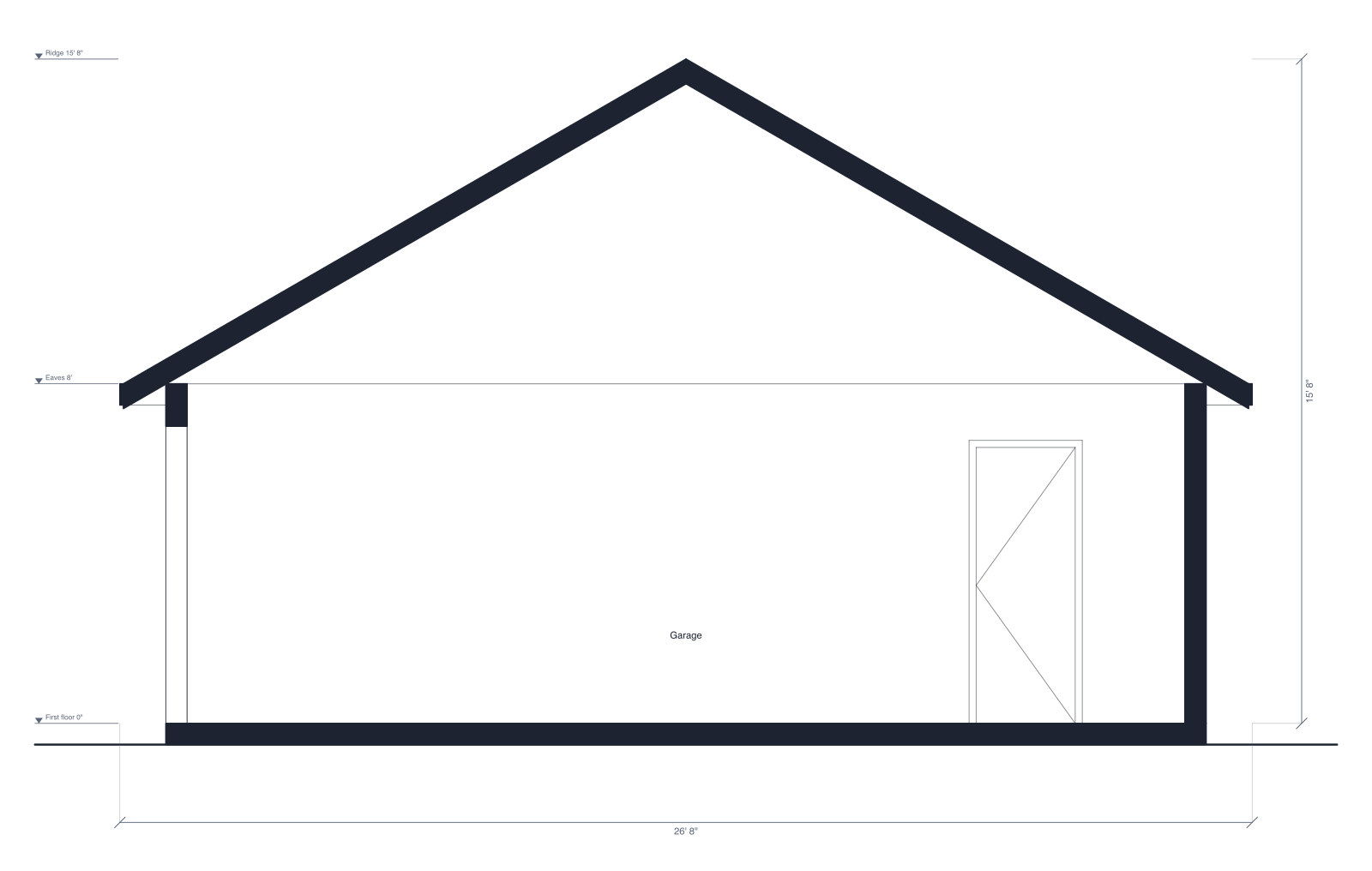
- Building sectionA cut through the building: wall and ceiling heights, the floor, and the roof.
- Door and window scheduleEach door and window marked on the plan with its size, in a table.
- Site plan with setbacksThe lot from its property lines, the building on it, the setback lines and the distance to each lot line.
- A PDF set at a stated scaleThe drawings as PDF pages with a title block and a scale bar, or a DXF for a designer's CAD program.
A conversion is mostly about what changes: the garage door opening filled in, new windows (bedrooms need one large enough to escape through), the floor raised or insulated, and where parking goes instead.
Example drawings
Drawn by DrawPlans from the templates below, exactly as it exports them.
How to make the drawings
- Start from the two-car garage templateOpen the two-car garage template, or draw your own building from scratch. It becomes your own plan, saved to your account.
- Change it to your projectType your real wall lengths, move or resize the doors and windows, and add the roof in the Plan panel. The elevations and sections redraw from the plan.
- Add the site plan and setbacksDraw the property lines from your survey, turn on the site plan and enter the setbacks: the distances to each lot line and the lot coverage are worked out for you.
- Export the PDF setAdd the elevations and sections to PDF exports, then export one PDF with the floor plan, site plan, elevations, sections and schedules, each at a stated scale.
Which plan fits
14-day pass: $12.99 one time
For one quick project. Doesn't renew.
For one project of your own: draw it, then download the PDF set and any other files while the pass lasts.
Monthly: $9.99 per month · Yearly: $79.99 per year
For designers, builders and contractors with project after project. Also includes client proposals (PDF): your plan, AI renders, schedules and cost estimate in one branded document.
You can draw one plan and see it in 3D before paying. See pricing
Questions
- Do I need a permit to convert a garage?
- Usually, yes: turning a garage into living space changes its use, and most places require a building permit for that, and sometimes a zoning check for the parking you lose. Your building department can tell you what applies to your address.
- What drawings are needed for a garage conversion?
- Typically an existing and a proposed floor plan, exterior elevations showing the new walls and windows, a building section through the wall, floor and roof, and a site plan. Some places also ask for energy, electrical or plumbing details.
- How do I show the existing and proposed plans?
- Draw the garage as it is, then duplicate the plan from My plans and change the copy. Export both: each prints with its own title, so the set shows before and after.
- Can DrawPlans show the new windows and the filled-in garage door?
- Yes. Remove the garage door and draw a wall in its place, add doors and windows at their real sizes and sill heights, and the exterior elevations and the door and window schedule follow the plan.
Templates to start from
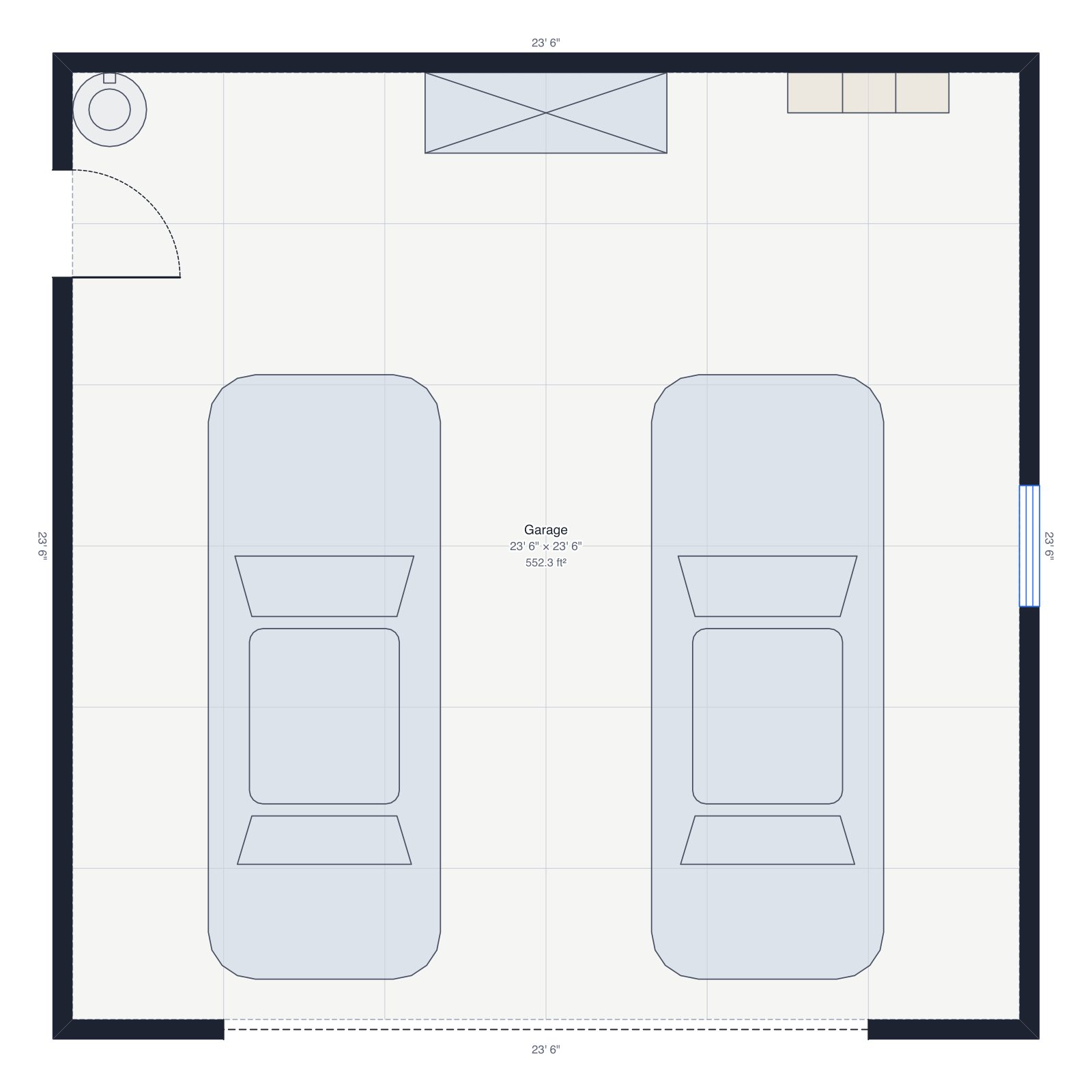 Two-car garage24' × 24', two cars, a workbench and shelves.
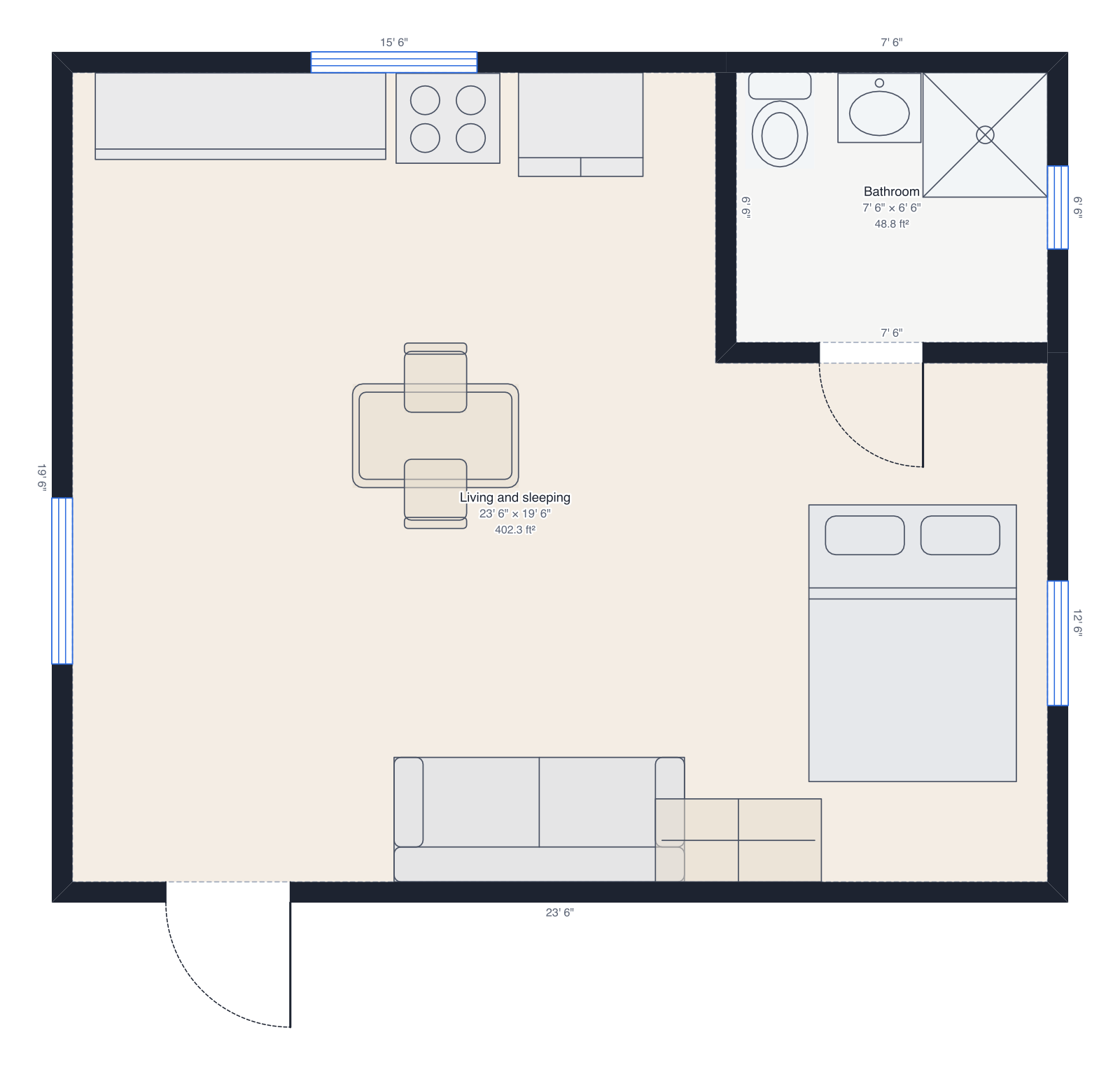 Studio apartment24' × 20', open living and sleeping, bathroom.