How to draw a site plan with setbacks
How to draw a site plan: the lot from its property lines, setbacks, the buildable area, lot coverage and the distance to each lot line, as a PDF, SVG, PNG or DXF.
5 min read · Updated October 26, 2026
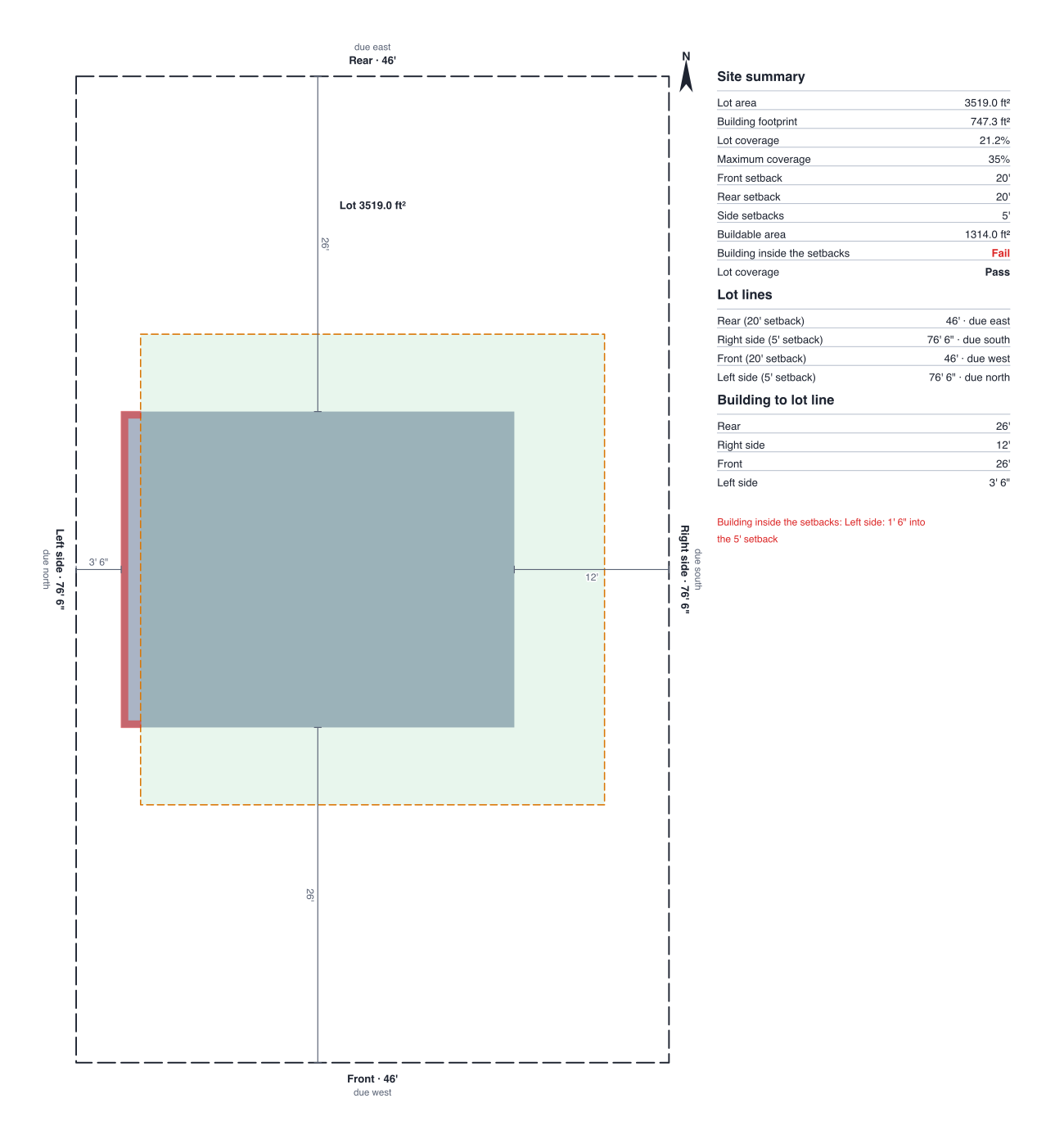
A floor plan shows the inside of a building; a site plan shows where the building sits on its lot. It has the lot's boundary and the building's outline, and for a permit it also shows the setbacks: how far the building has to stay from each lot line. DrawPlans turns the property lines you draw into the lot and checks the building against the setbacks as you move it.
1. Get the lot's measurements
Your survey, plat or deed gives each lot line's length and direction. Your town's zoning rules give the setbacks for your zone and, often, the most of the lot the building may cover. Have both to hand; DrawPlans uses the numbers you enter and doesn't look rules up.
2. Draw the property lines
Choose the Property line tool (P) and click the lot's corners one after another, ending on the first corner so the lines close into one shape. Type each line's length while you draw for an exact size. Lines that stop short of each other or cross don't make a lot: the panel says so and rings the loose ends on the plan so you can fix them.
3. Draw the building inside it
Draw the house's outside walls inside the lot, with a roof if you want its overhang counted. Or start from a template: the site plan template has a lot with a house, a driveway and trees, and the house with garage is a ready footprint. The guide to drawing a floor plan to scale covers the walls.
4. Turn on the site plan and set the setbacks
With nothing selected, open the Plan panel and press Turn on the site plan. Enter the front, rear and side setbacks, and pick which lot line is the front, the street side (it starts as the line nearest the bottom of the plan). Set North in the Plan panel and the lot lines table gives each line's bearing, such as N 30° E. Each line takes the setback of the side it faces, so a lot that isn't a rectangle is set back line by line.
5. Read the checks
The setback lines are dashed inside the lot and the buildable area is lightly shaded. Anything of the building (the outside faces of the first floor's walls) inside a setback or past a lot line turns red, and the panel names the side and how far. Add a maximum lot coverage and it warns when the footprint is over it; turn on roof overhangs if your rules measure to the roof's edge. The distance from the building to each lot line is dimensioned on the drawing, and the summary lists the lot's area, the footprint, the coverage and a Pass or Fail for each check.
6. Export it
In Export, a PDF has a Site plan page: the lot, setbacks, building outline and distances with a north arrow, a scale bar and the summary table, at a usual scale when it fits. PNG, SVG and DXF each have a Download site plan button, and a monthly or yearly plan can add it to a client proposal. Every plan, the 14-day pass included, can download it. For every control, see Site plan and setbacks in Help. For the building's sides, see how to draw exterior elevations.
Draw yours in DrawPlans
Type your measurements and the plan is to scale from the first wall. Furniture at real size, a 3D view, and a PDF that prints at the scale you choose, with a scale bar. You can draw one plan and see it in 3D before paying.
Start drawingTemplates to start from
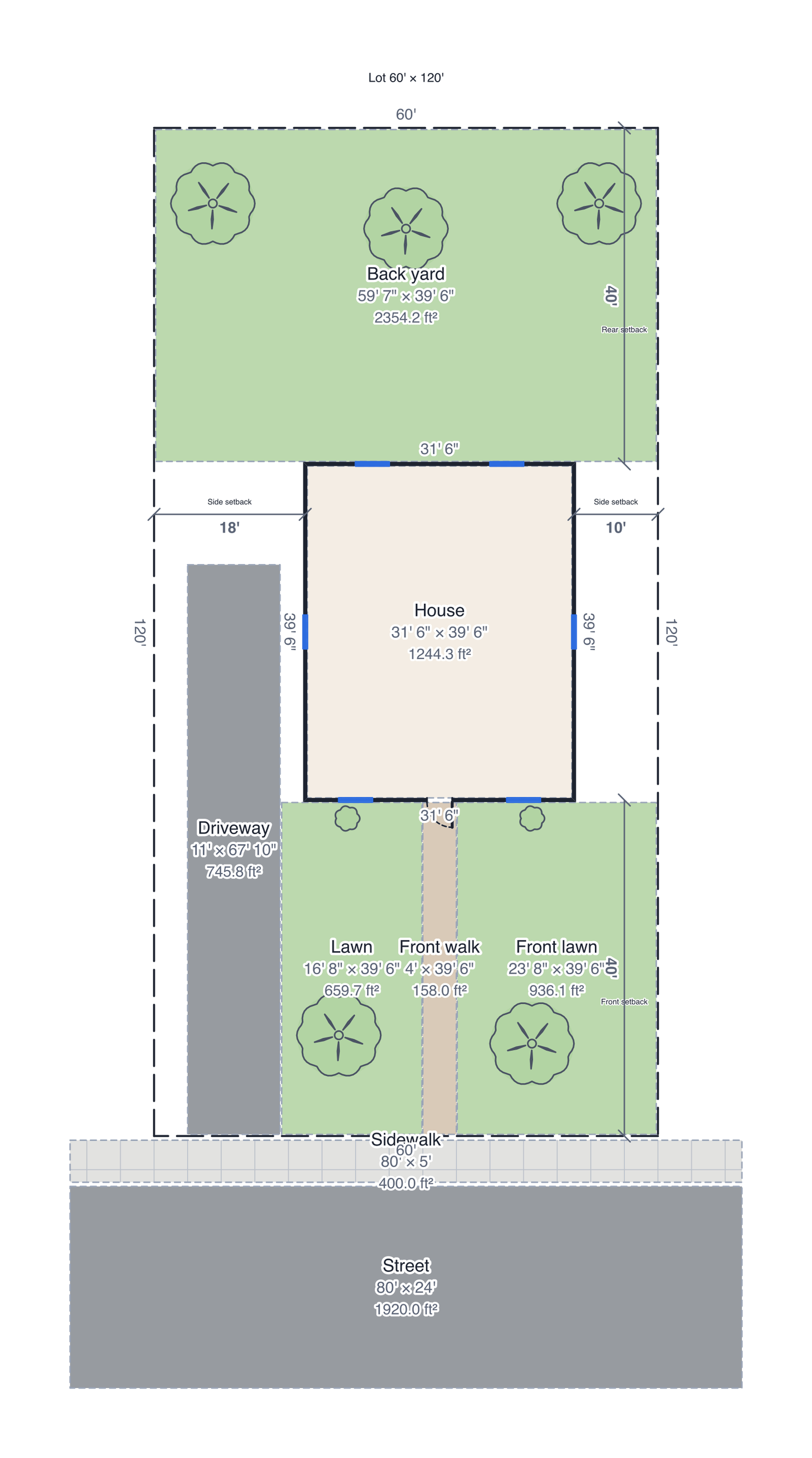 Site plan60' × 120' lot: property lines, house with a roof, driveway, front walk, sidewalk, street, lawns, trees and setbacks.
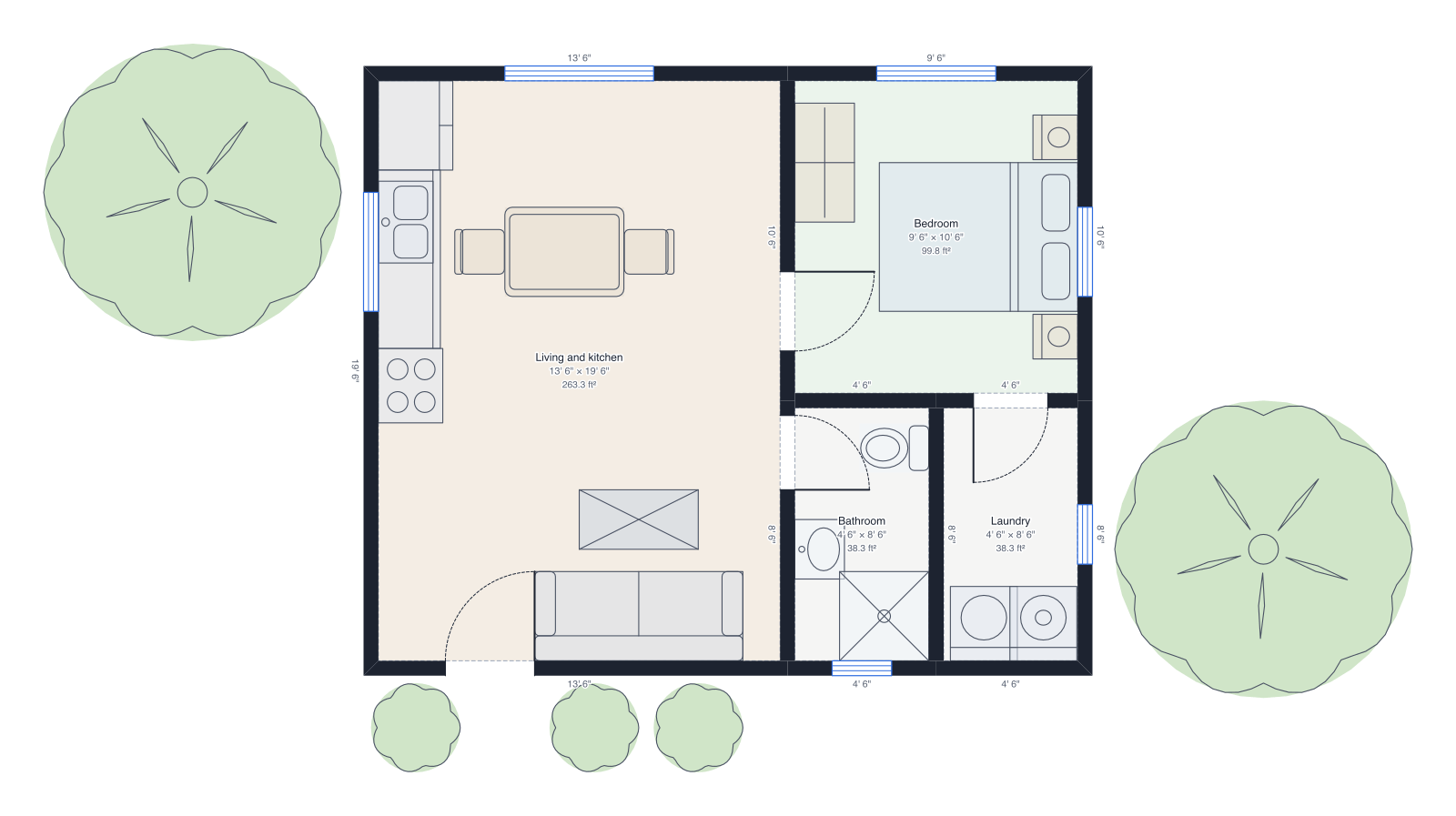 Backyard cottage (ADU)24' × 20', one bedroom, bathroom and laundry, with a garden.
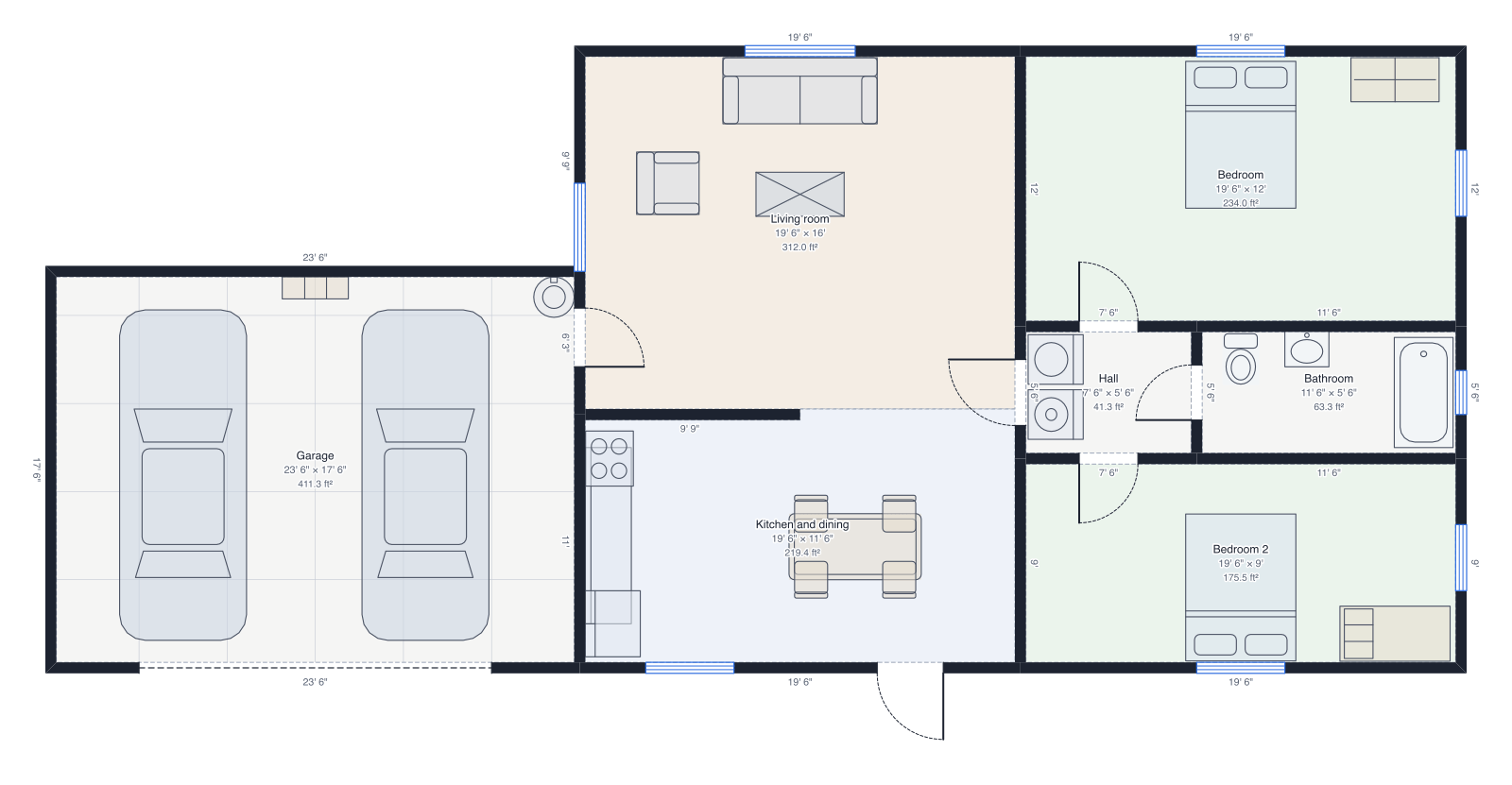 House with garageThe two-bedroom house with an attached two-car garage.
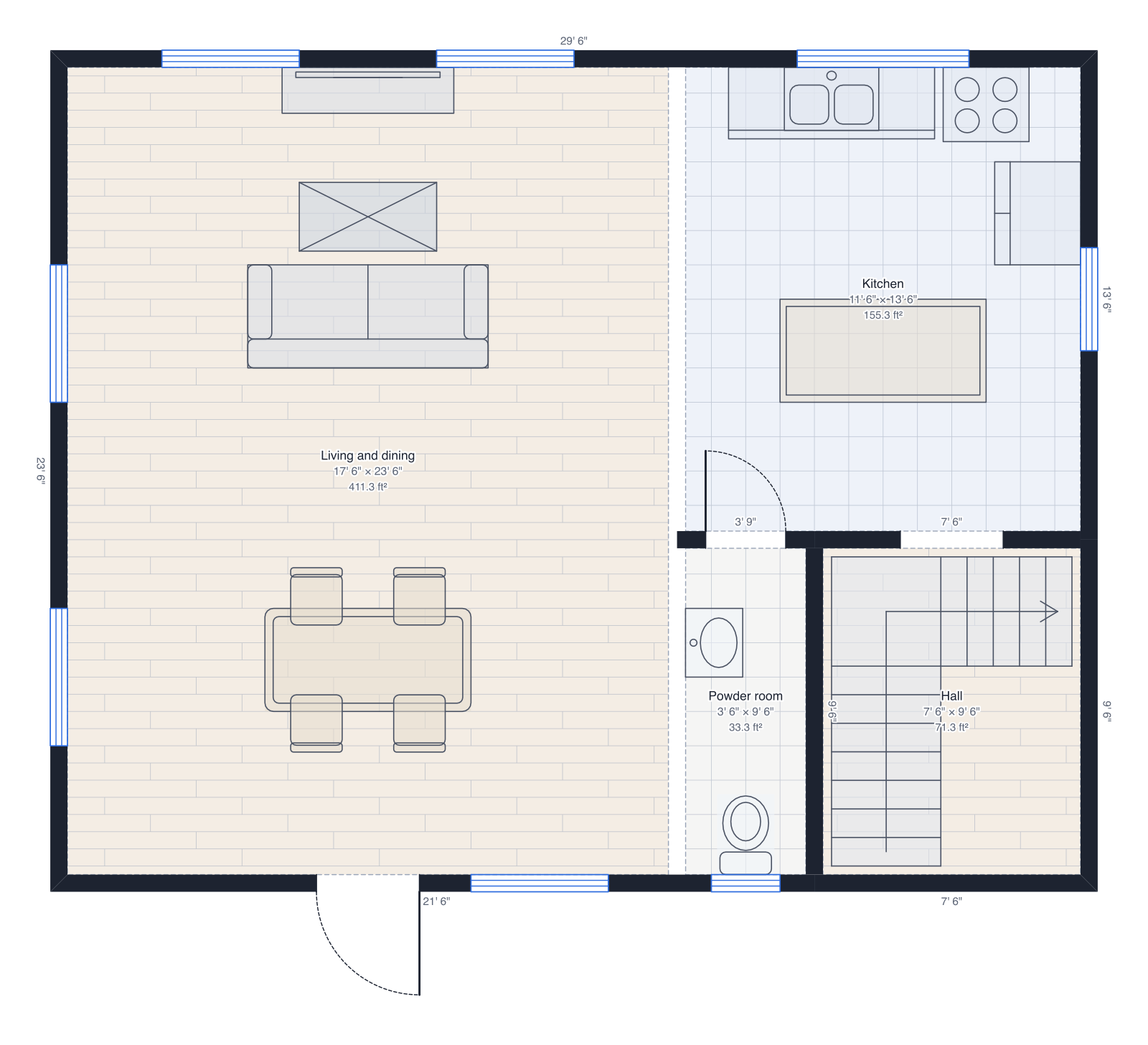 Two-storey house30' × 24' on two floors: living and kitchen downstairs, three bedrooms up, a roof.
Questions people ask
- What is a site plan?
- A drawing of a lot from above: its boundary, the building on it, and often the setbacks, driveway, trees and utilities. Permit offices ask for one with a new house, an addition, an ADU or a shed to see where the building will sit.
- What is a setback?
- The distance a building has to stay back from a lot line, set by local zoning: a front setback from the street, a rear setback and side setbacks. The area inside them is where you're allowed to build.
- What is lot coverage?
- The share of the lot the building covers, its footprint divided by the lot's area. Many areas set a maximum, such as 35 percent. DrawPlans counts the outside faces of the first floor's walls, and the roof overhangs too if you turn that on.
- Can I use it for a permit?
- It makes a clean, scaled site plan with the numbers a permit office looks for, but the setbacks and limits are the ones you type in, not rules DrawPlans looks up. Check them with your local building or zoning office, which may also want a survey or drawings from a licensed professional.
- What if my lot isn't a rectangle?
- Draw it as it is. Each lot line is set back by its own depth: a line facing the street takes the front setback, the opposite one the rear setback, and the rest the side setbacks, with a slanted line following the nearest. Corners are mitered.