How to draw exterior elevations of a house
How to draw exterior elevations of a house from its floor plan: each side with its doors, windows, roof and heights, at a usual scale, as PDF, SVG, PNG or DXF.
5 min read · Updated October 26, 2026
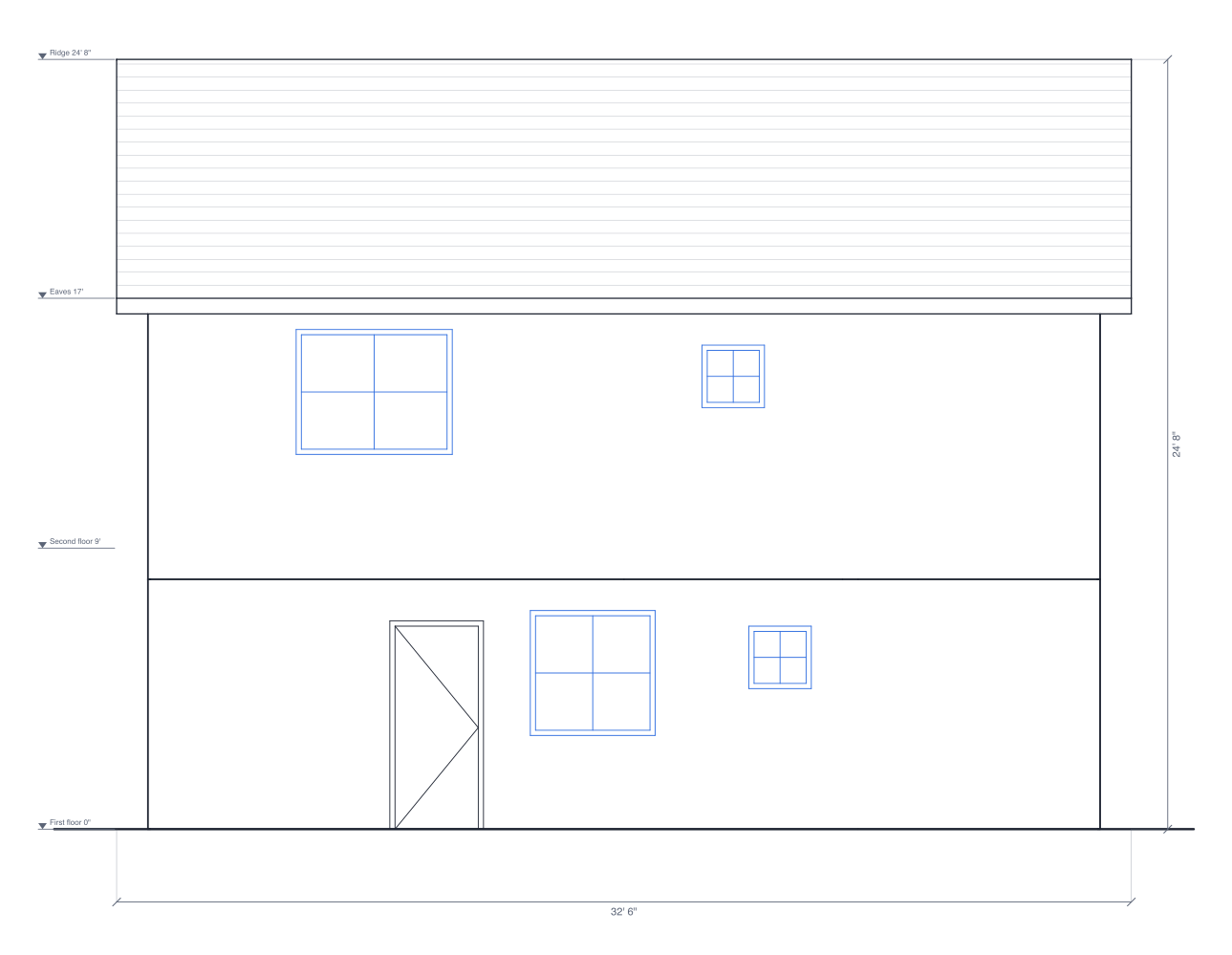
A floor plan shows a house from above; an exterior elevation shows it from the street, the yard or the side. Each one is a straight-on view of one side of the building, with its walls, doors and windows at their real heights and the shape of the roof, so you can see how tall the house is, where the windows sit and how the roof meets the walls. Builders, permit offices and clients all read them.
1. Draw the outside walls, doors and windows
The elevations are drawn from the plan, so start with the outside walls at their real lengths, then the doors, windows and garage doors. Set each window's sill and height and each wall's height. For a house of more than one storey, add a floor from the Floors menu and draw each floor's walls; the elevations stack them at their heights. The guide to drawing a floor plan to scale walks through it, or start from the two-storey house template.
2. Add the roof and the outside finish
With nothing selected, the Plan panel has Roof: choose gable, hip, shed or flat to put a roof over the walls, then select it to change its slope, overhang or which way the ridge runs. The elevations draw its profile: gable ends, slopes, the overhang and the ridge, with light shingle lines (or ribs on a metal roof). Under Outside walls, pick the finish; stone, brick, siding, battens and steel show as a light pattern.
3. Set which way north is
Set North in the Plan panel, in degrees clockwise from the top of the screen, and the four sides are named North, South, East and West elevation, as most drawing sets name them. Without it they're called Front, Back, Left and Right, with the bottom of the plan as the front.
4. Open the elevations
Press Elevations in the top bar, next to 2D, Split and 3D (on a phone, the icon beside 2D and 3D). The Exterior tab lists the four sides with a small preview each; pick one to see it large. The Walls tab beside it has the inside wall elevations.
5. Check the heights and dimensions
Level marks on the left give the height of each floor, the eaves (or the top of the walls) and the ridge, and dimension lines give the building's overall width and height. Walls set back from the front are drawn lighter, and anything hidden behind a nearer wall or the roof is left out. If something's wrong, change it on the plan: every side is redrawn from it.
6. Download them or add them to the PDF
Press SVG, PNG or DXF to download the side you're looking at, or turn on Add to PDF exports for each side and export a PDF with Add elevations on. Every side chosen prints at one scale, the largest usual one at which all of them fit, such as 1/8" = 1'. A monthly or yearly plan can also put them in a client proposal, two to a page. For every control, see Exterior elevations in Help.
Draw yours in DrawPlans
Type your measurements and the plan is to scale from the first wall. Furniture at real size, a 3D view, and a PDF that prints at the scale you choose, with a scale bar. You can draw one plan and see it in 3D before paying.
Start drawingTemplates to start from
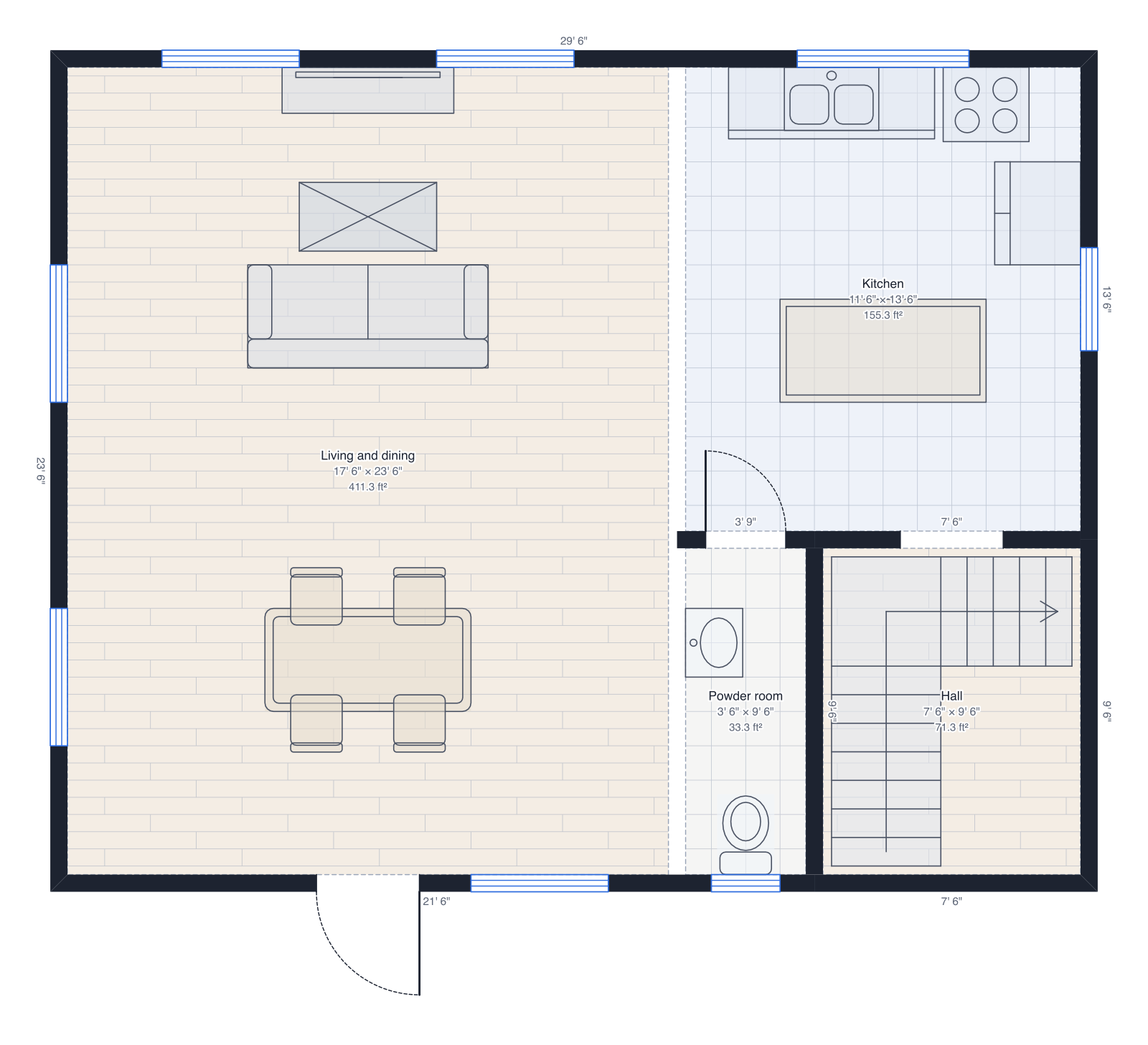 Two-storey house30' × 24' on two floors: living and kitchen downstairs, three bedrooms up, a roof.
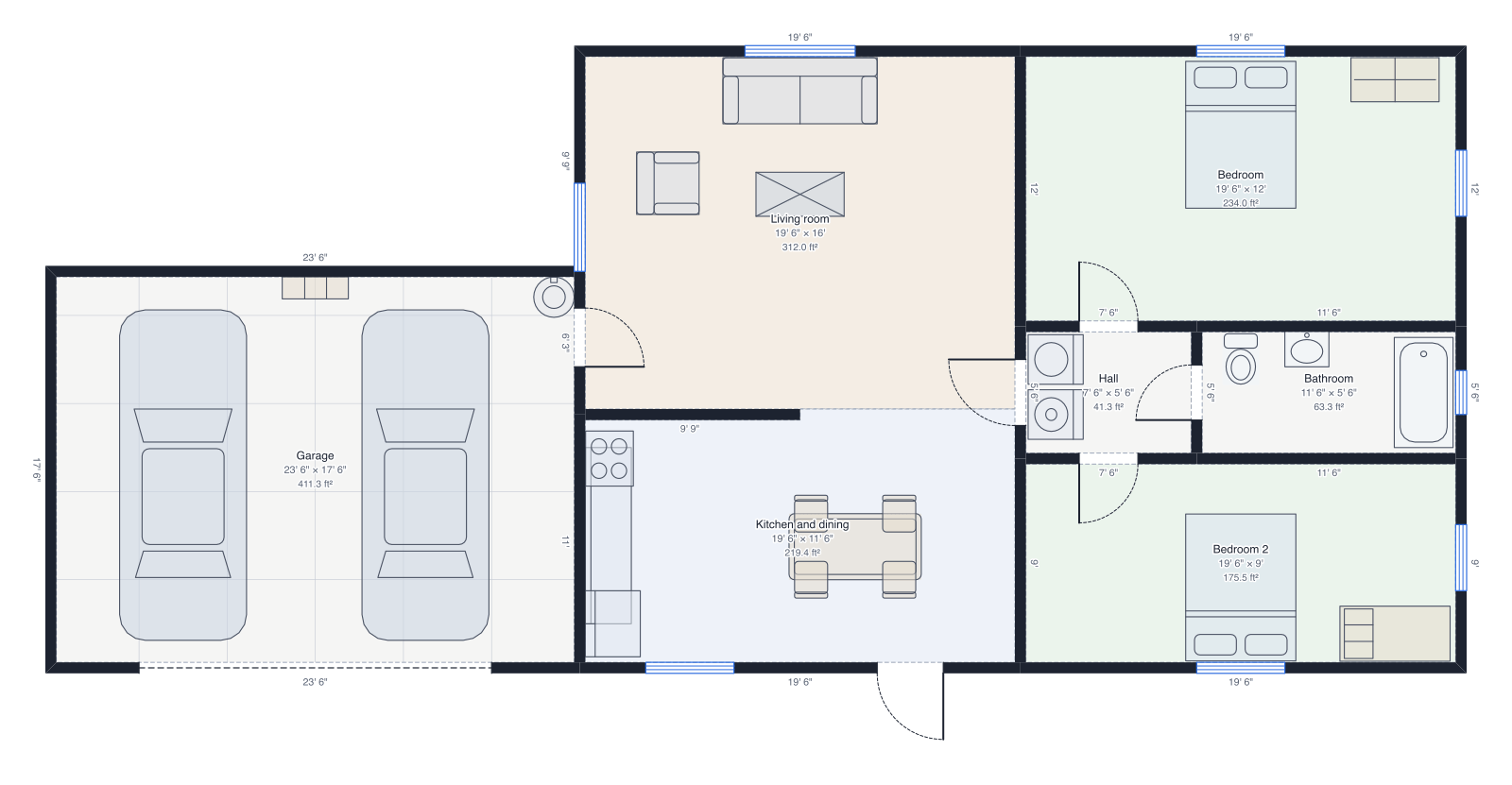 House with garageThe two-bedroom house with an attached two-car garage.
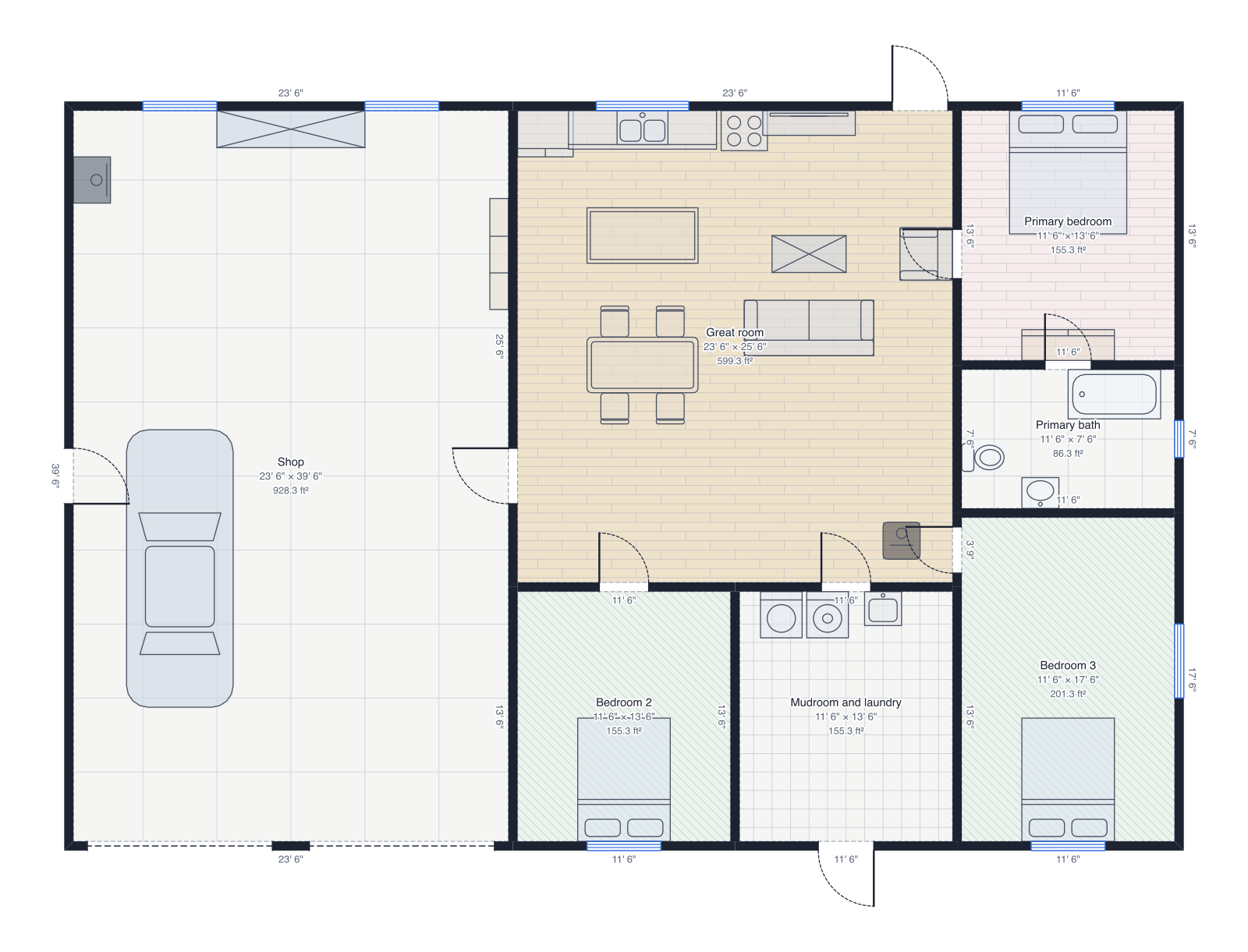 Barndominium60' × 40', a workshop with two garage doors, great room, three bedrooms.
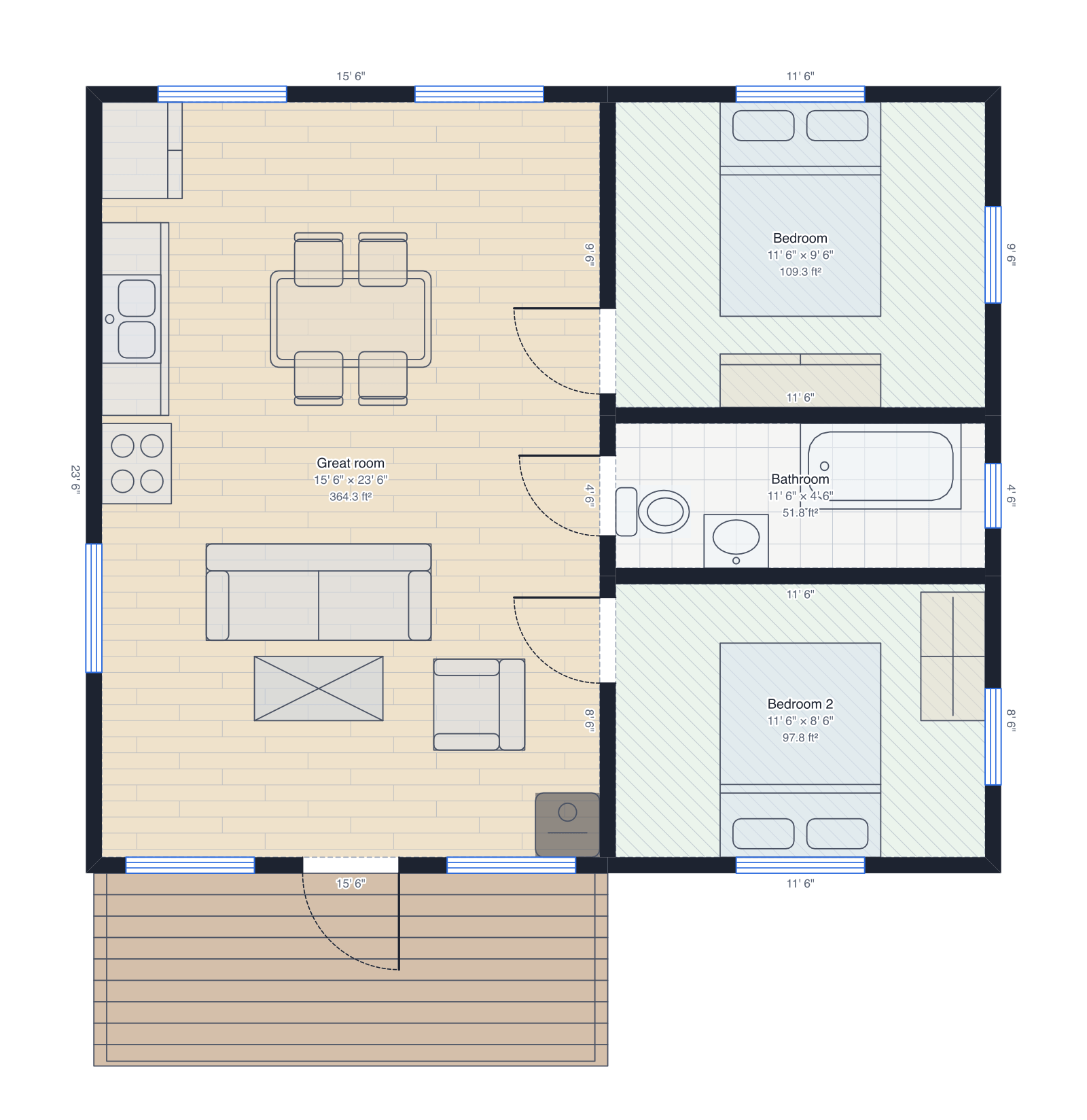 Log cabin28' × 24', great room with a wood stove, two bedrooms and a front porch.
Questions people ask
- What is an exterior elevation?
- A drawing of the outside of a building from one side, seen straight on with no perspective: the walls, doors, windows and roof at their real sizes and heights. A set usually has four, one for each side.
- What scale are exterior elevations drawn at?
- Usually 1/4 inch = 1 foot for a small house and 1/8 inch = 1 foot for a larger one; 1:50 or 1:100 in metric. DrawPlans prints every side at the same scale, the largest at which all of them fit the page.
- Do I need exterior elevations for a permit?
- Many towns ask for them with a building permit, an addition or an ADU, to check heights, the roof and how the building looks from the street. Check with your building department; they may also need drawings from an architect or engineer.
- Why are some walls drawn in lighter lines?
- Walls set back from the front of the building, such as the house behind a garage or a porch, are drawn lighter so the nearest walls stand out, as on a drafted elevation. Hidden walls aren't drawn at all.