How to draw a building section
How to draw a building section from a floor plan: cut a line across it and get the walls, floors, roof and stairs to scale, as PDF, SVG, PNG or DXF.
5 min read · Updated October 26, 2026
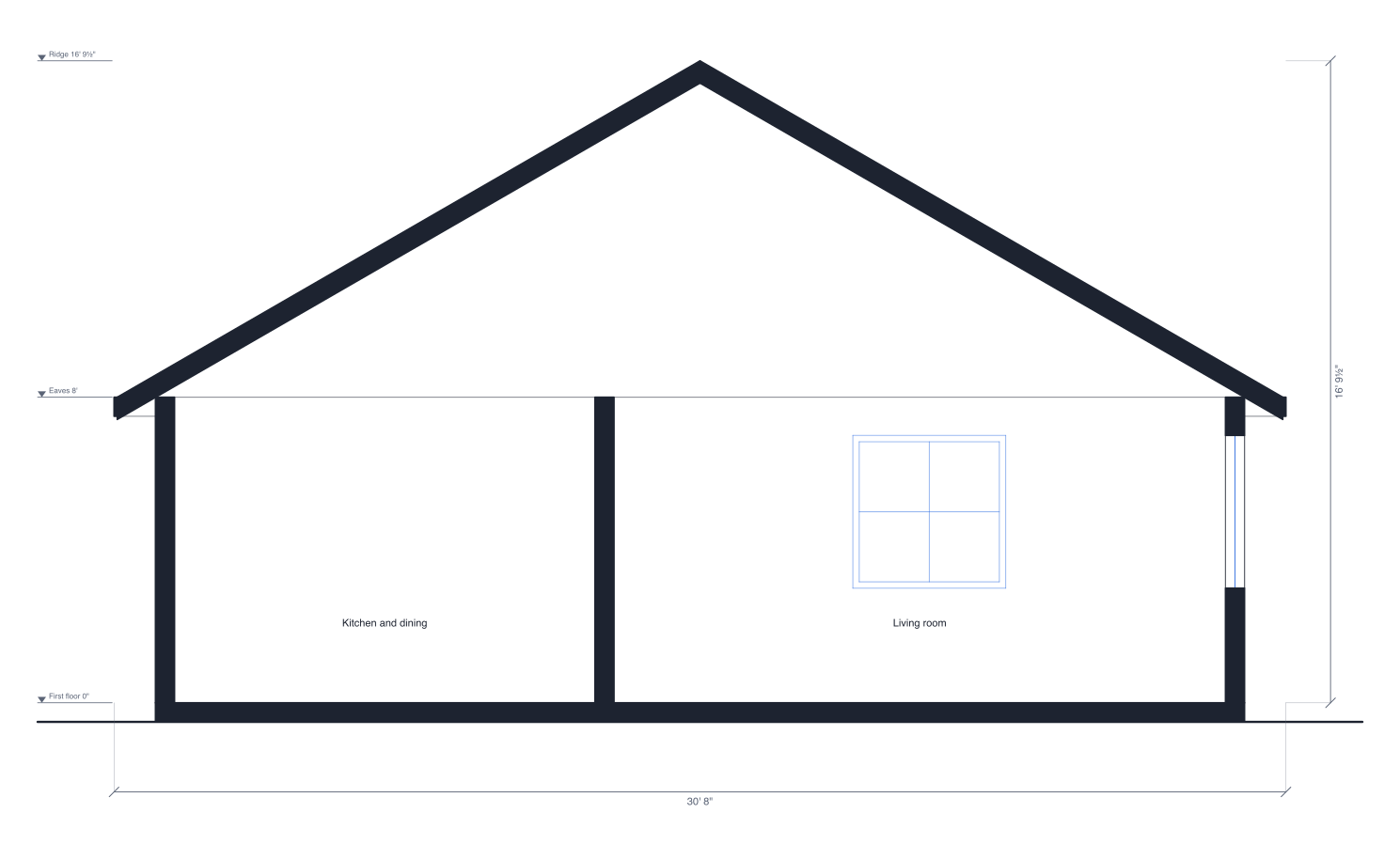
A floor plan shows a house from above, and an elevation shows the outside from one side. A building section cuts through it: imagine slicing the house along a line and looking at the cut face. The walls, floors and roof the cut passes through are filled solid, and you see the rooms behind with their real heights, so ceiling heights, floor levels, stairs and the shape of the roof are all on one drawing.
1. Draw the walls, doors, windows and stairs
The section is drawn from the plan, so start with the walls at their real lengths and heights, then the doors and windows with their sill and head heights, and the stairs. For a house of more than one storey, add a floor from the Floors menu; the section stacks every floor at its height with the slab between. The guide to drawing a floor plan to scale walks through it, or start from the two-bedroom house template.
2. Add the roof
With nothing selected, the Plan panel has Roof: choose gable, hip, shed or flat, then select it to change its slope, overhang or which way the ridge runs. The section cuts the roof from these settings: cut across a gable's ridge and you see both slopes meeting at the top; cut along it and the roof is a level band.
3. Draw the section line
Pick the Section line tool in the toolbar (or press S) and click two points across the plan, starting and ending outside the walls. The line is labelled A–A, with an arrow at each end showing which way the section looks. A plan can have up to six, lettered A to F.
4. Check the section
The section opens in the Sections tab of Elevations, beside the exterior elevations. The walls the line cuts are solid, with a gap wherever it passes through a door or window (its sill and head the gap's edges); the floor slabs are solid bands; the stairs a stepped profile. Walls, doors and windows beyond the cut are lighter, and room names sit along the cut. Level marks give each floor, ceiling, the eaves and the ridge.
5. Flip it or draw another
Press Flip direction to look the other way, or drag either end of the line with the Section line tool to move it. Most drawing sets have two sections: one across the long side of the house and one across the short side.
6. Download it or add it to the PDF
Press SVG, PNG or DXF to download the section, or turn on Add to PDF exports and export a PDF with Add elevations on. Every section prints at one scale, the largest usual one at which all of them fit. A monthly or yearly plan can also put them in a client proposal, two to a page. For every control, see Building sections in Help.
Draw yours in DrawPlans
Type your measurements and the plan is to scale from the first wall. Furniture at real size, a 3D view, and a PDF that prints at the scale you choose, with a scale bar. You can draw one plan and see it in 3D before paying.
Start drawingTemplates to start from
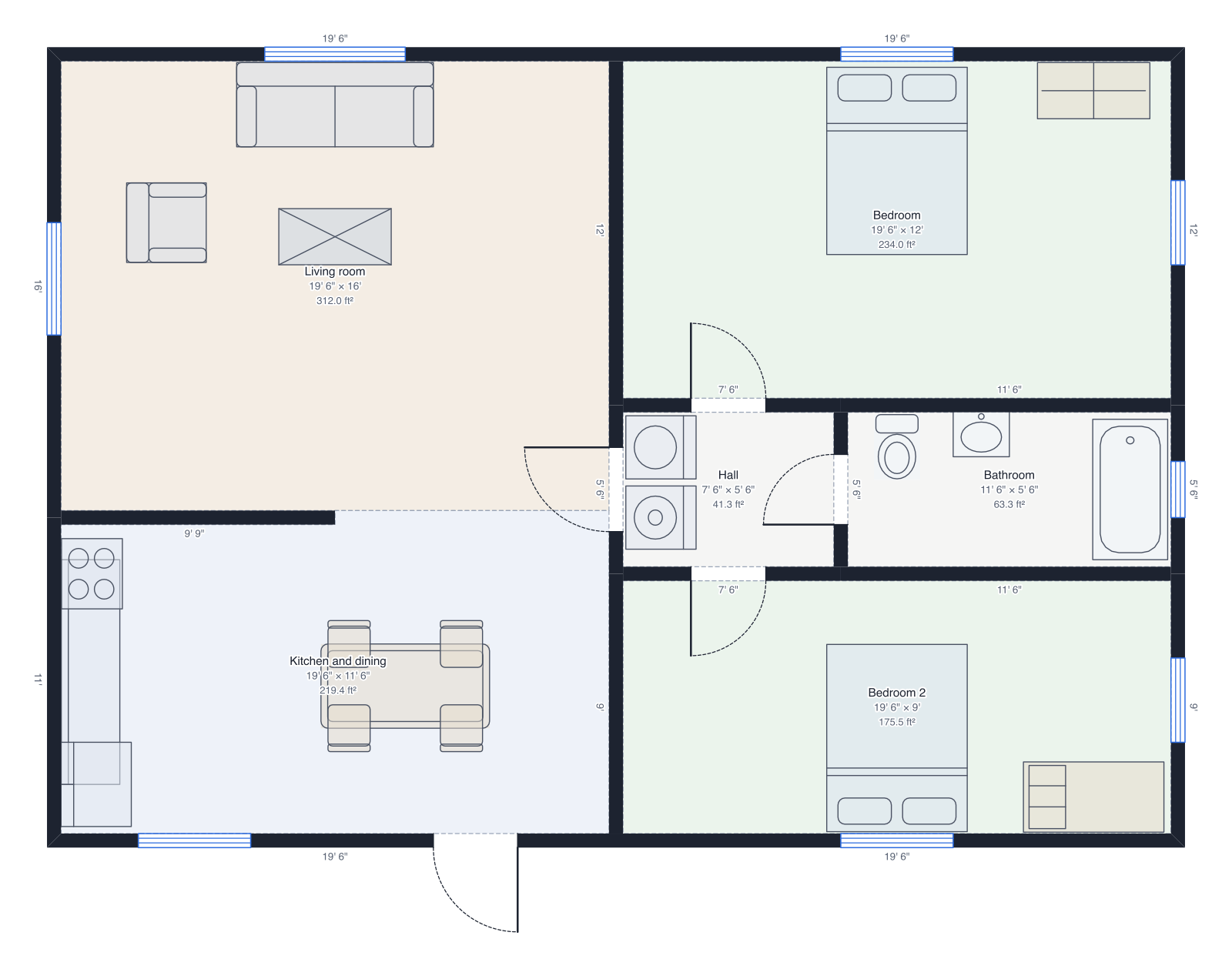 Two-bedroom house40' × 28', two bedrooms, bathroom, open kitchen.
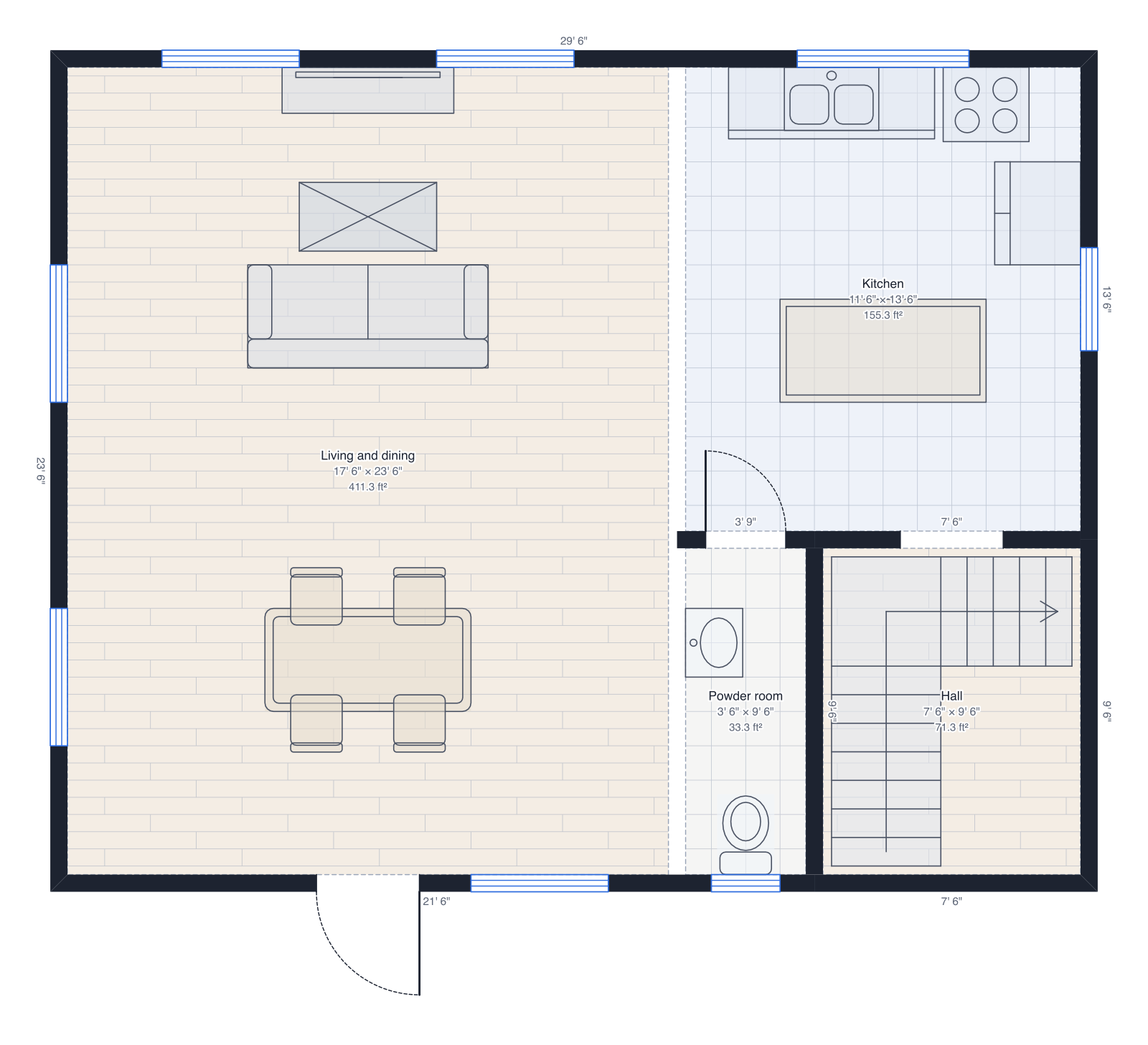 Two-storey house30' × 24' on two floors: living and kitchen downstairs, three bedrooms up, a roof.
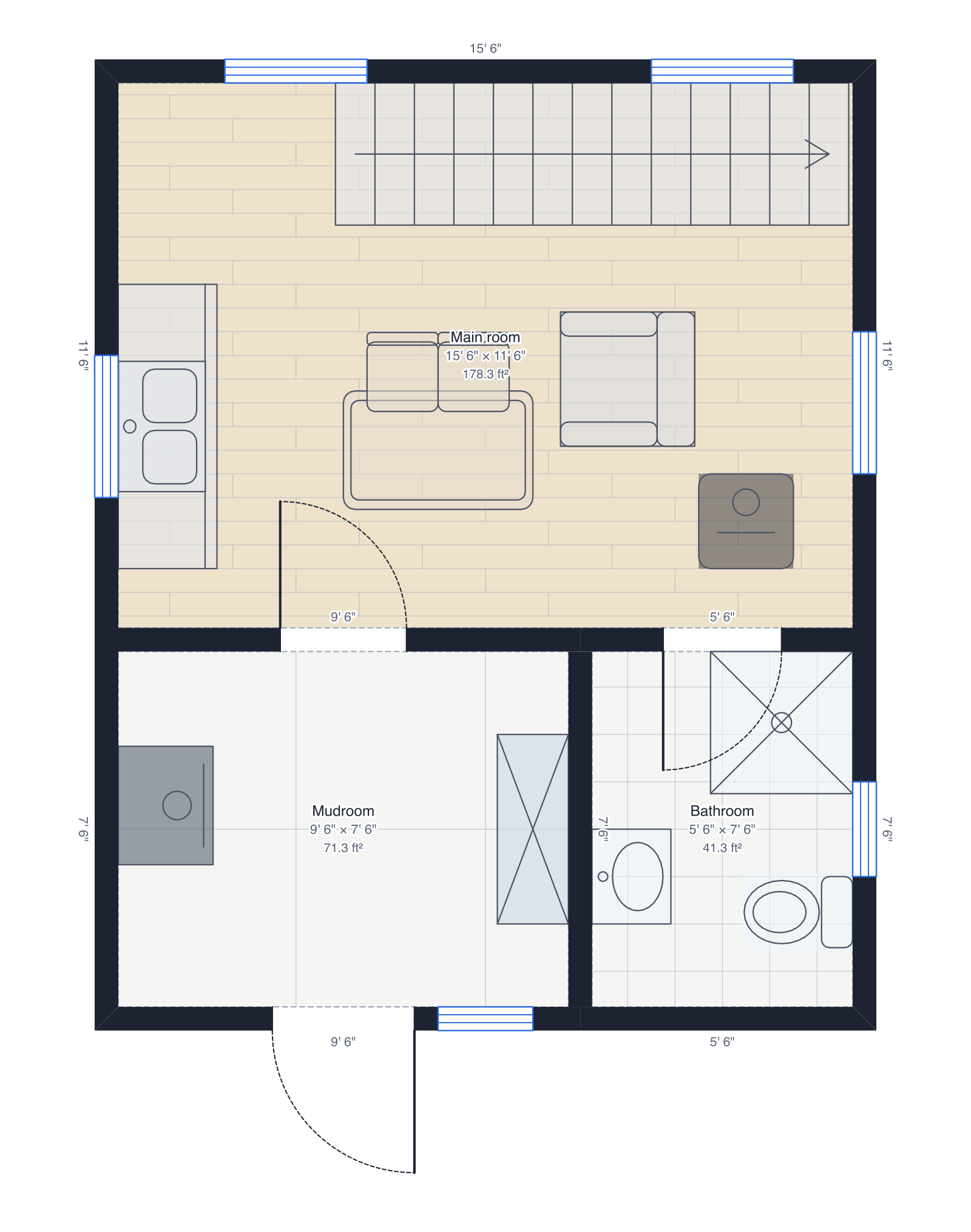 Hunting cabin with loft16' × 20', main room, mudroom and bathroom, a sleeping loft up the stairs.
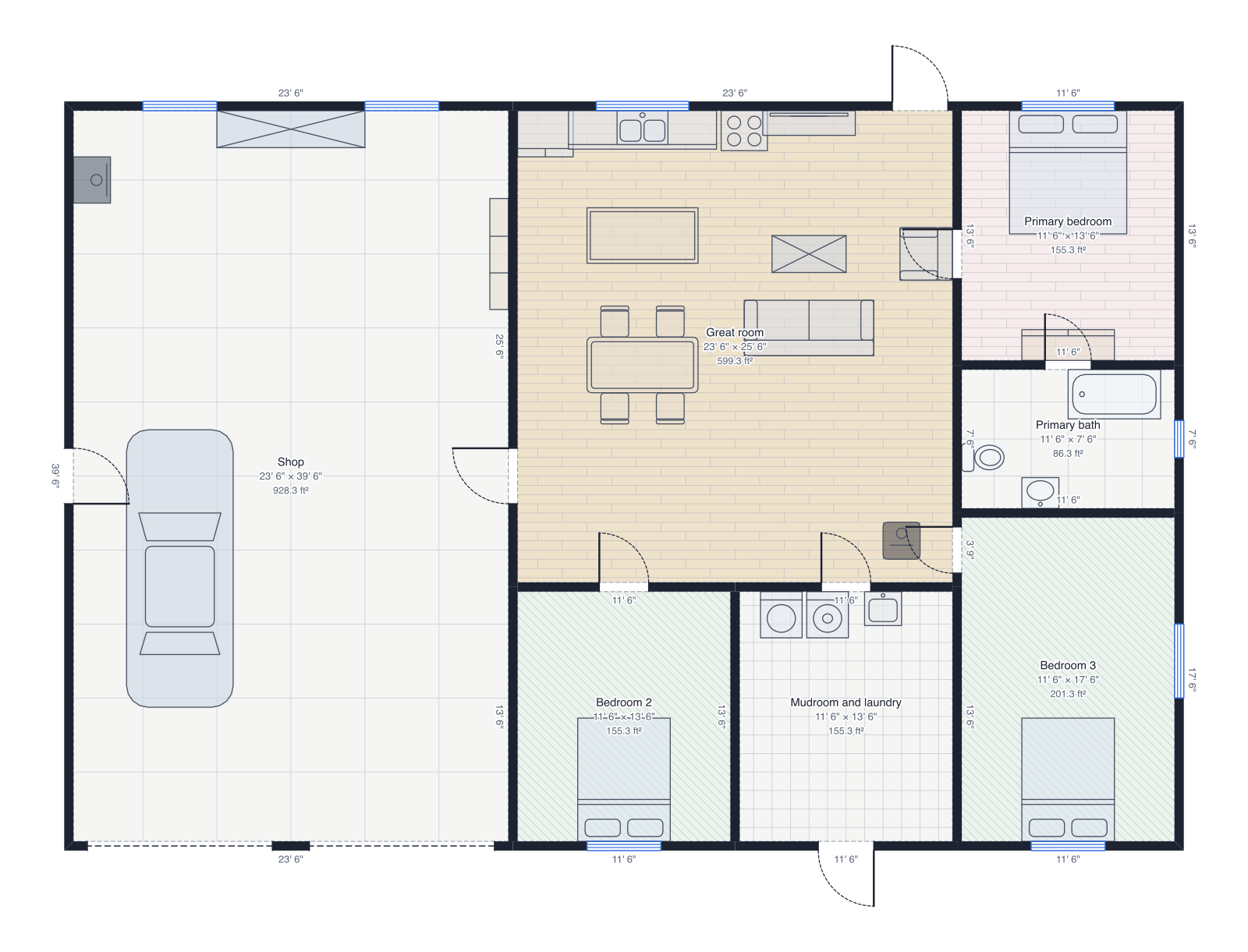 Barndominium60' × 40', a workshop with two garage doors, great room, three bedrooms.
Questions people ask
- What is a building section?
- A drawing of a building as if it were sliced through along a line and seen from the side: the walls, floors and roof the cut passes through are filled solid, and what's beyond is drawn in lighter lines. It shows heights that a floor plan can't, such as ceiling heights, floor levels and the roof's shape.
- Where should I cut a section?
- Usually once across the long side and once across the short side of the house, through the stairs, a tall room or a window you want to show. Avoid running the line along a wall: cut across walls instead.
- What's the difference between a section and an elevation?
- An elevation shows the outside of the building from one side, with nothing cut. A section cuts through it, so you see inside: the rooms, floor slabs, ceiling heights and how the roof sits on the walls.
- Do I need building sections for a permit?
- Many towns ask for at least one section with a building permit, an addition or an ADU, to check heights, headroom and the roof. Check with your building department; they may also need drawings from an architect or engineer.