Export a floor plan to DXF for AutoCAD and other CAD programs
How to turn a floor plan into a DXF file that opens in AutoCAD, DraftSight, LibreCAD, SketchUp and Revit, with layers, real units and nothing to redraw.
5 min read · Updated October 20, 2026
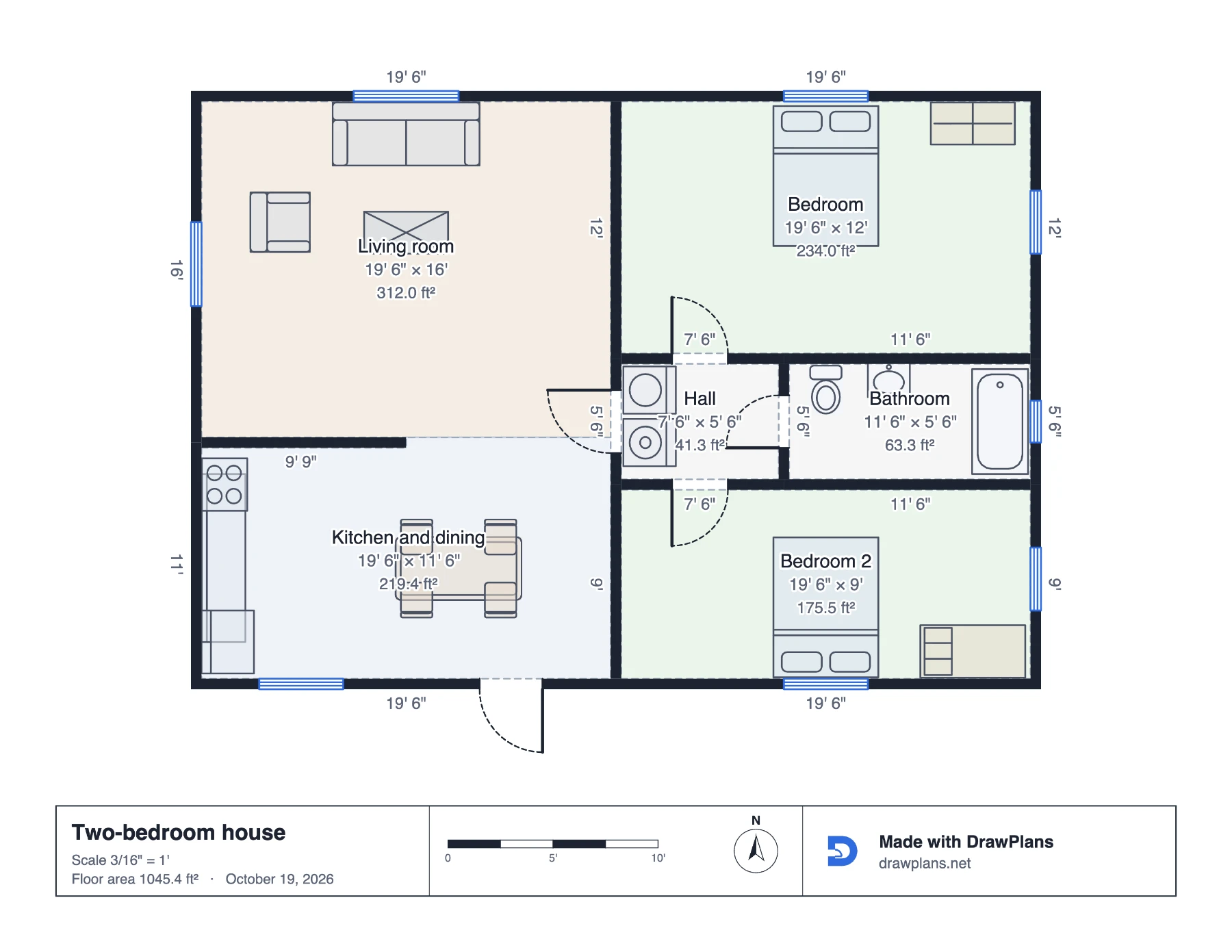
Most people need a CAD file for one reason: someone else works in CAD. The architect wants a base drawing to develop, the permit office wants a DXF with the site plan, the cabinet maker wants the kitchen in their program. A DXF is the file that gets there without redrawing, and from a plan drawn to scale it takes a minute.
1. Finish the plan with the right units
A DXF stores real lengths, not pixels: a 12-foot wall is 144 inches in the file. So draw the plan to scale, and pick the unit system the CAD side expects: feet and inches for most of North America, metres elsewhere. You can switch units in the plan settings at any time; the drawing converts.
2. Decide what the DXF should contain
A CAD drafter usually wants the bones: walls, doors, windows and room names. A client or a contractor may want the furnished version with dimensions. Export lets you choose, so make the clean one for the drafter and a second one with everything for the record.
3. Export the DXF
Open Export, choose DXF, tick the layers you want (walls, openings, rooms, furniture, text, dimensions) and download. The file is DXF R12, the dialect every CAD program reads, and each kind of item is on its own layer with a plain name.
4. Open it in your CAD program
- AutoCAD / BricsCAD / DraftSight: File → Open, file type DXF. Set the drawing units (UNITS command) to inches or millimetres to match the plan; the drawing arrives at full size at the origin. Save as DWG if you need to.
- LibreCAD / QCAD: open directly; both read R12 natively.
- SketchUp: File → Import, choose DXF, units to match; the lines come in as edges on their layers, ready to pull up into walls.
- Revit: Insert → Import CAD, units to match, and use the plan as the underlay to model from.
5. Check one dimension
Measure one wall in the CAD program and compare it with the plan. One match means every length matches, because they all come from the same drawing. If it's off by a factor of 12 or 25.4, the units setting is wrong, not the file: switch inches to feet, or millimetres to inches, and re-import.
Other files, for other programs
- PDF at a stated scale, for printing and for anyone without CAD.
- SVG for Illustrator, Figma or a web page, with the drawing as editable vector shapes.
- GLB, OBJ, STL for 3D programs, renderers and 3D printers.
- CSV item list for Excel or Google Sheets, with every piece, its room, size and any price.
Draw yours in DrawPlans
Type your measurements and the plan is to scale from the first wall. Furniture at real size, a 3D view, and a PDF that prints at the scale you choose, with a scale bar. You can draw one plan and see it in 3D before paying.
Start drawingTemplates to start from
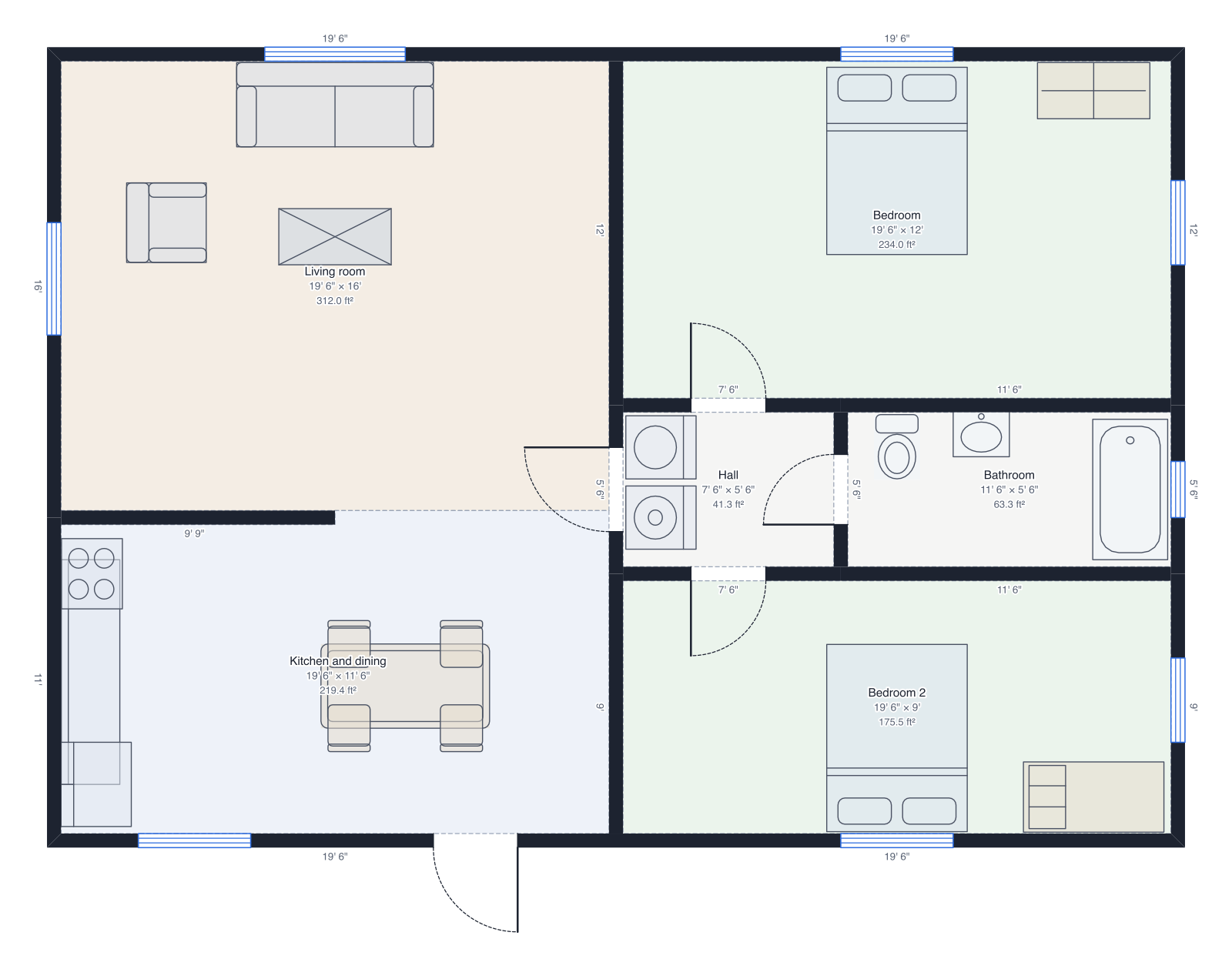 Two-bedroom house40' × 28', two bedrooms, bathroom, open kitchen.
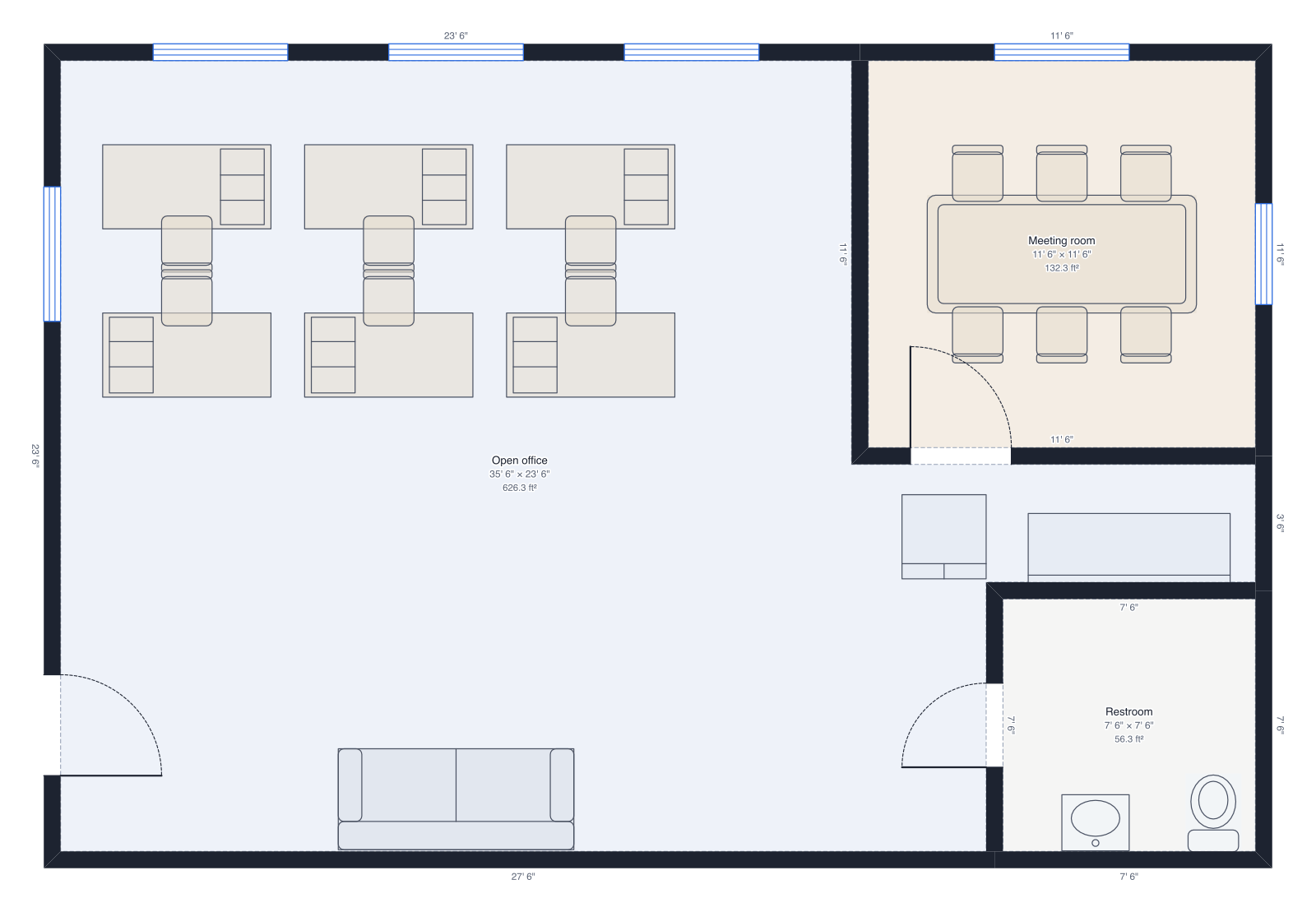 Small office36' × 24', six desks, meeting room, restroom.
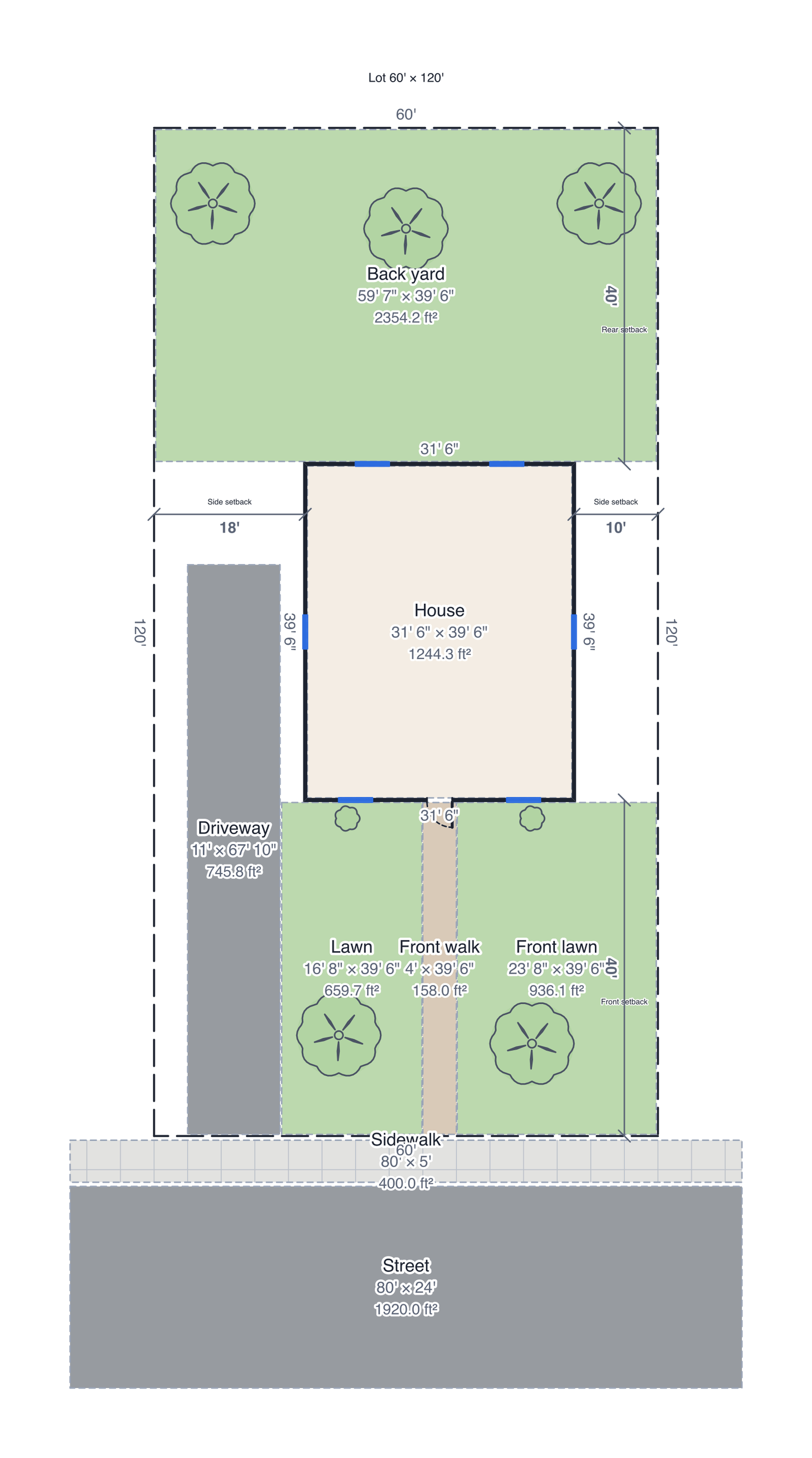 Site plan60' × 120' lot: property lines, house with a roof, driveway, front walk, sidewalk, street, lawns, trees and setbacks.
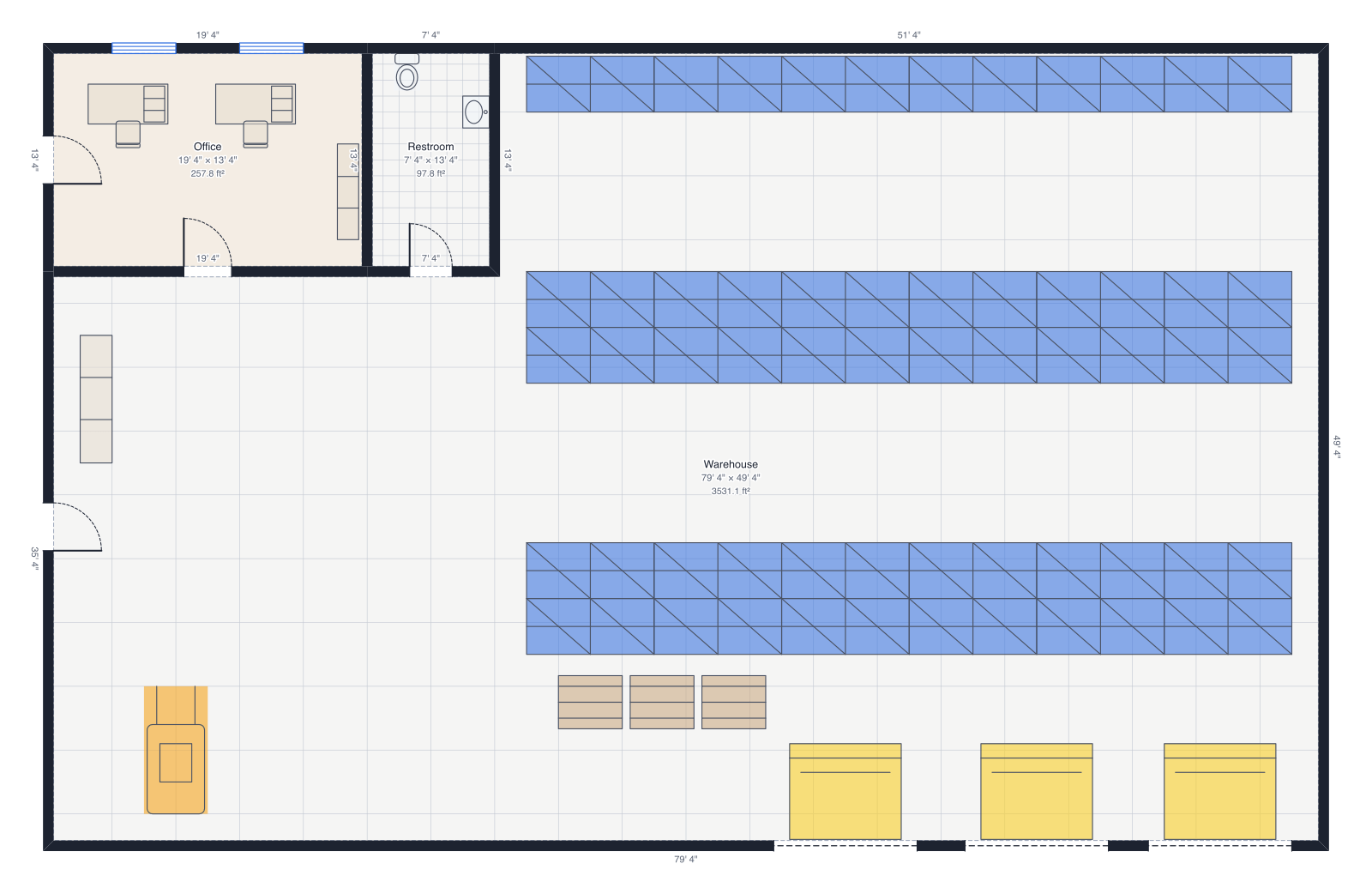 Small warehouse80' × 50', pallet racks, three loading docks, office and restroom.
Questions people ask
- Which DXF version does DrawPlans export?
- DXF R12 (AC1009), the version that every CAD program can read, including AutoCAD, DraftSight, LibreCAD, BricsCAD, SketchUp (with the DXF importer), Revit and most online viewers. It keeps lines, arcs, text and layers.
- Will my layers come through?
- Yes. Walls, doors and windows, rooms, furniture, text and dimensions are each on a named layer, so a drafter can switch furniture off or restyle walls without touching the rest.
- DXF or DWG?
- DWG is AutoCAD's own format; DXF is the open exchange format that AutoCAD and everyone else read and write. A DXF opened in AutoCAD can be saved as DWG with one command, so DXF is the right file to hand over.
- Can I export to SketchUp or a 3D program instead?
- For 3D, export a GLB, OBJ or STL model rather than a DXF: it carries the walls, openings and furniture as 3D geometry. The DXF is the 2D drawing.